

Email-Based Task Management Is How Enterprises Escape App Overload
Written with AI assistance under our editorial guidelines
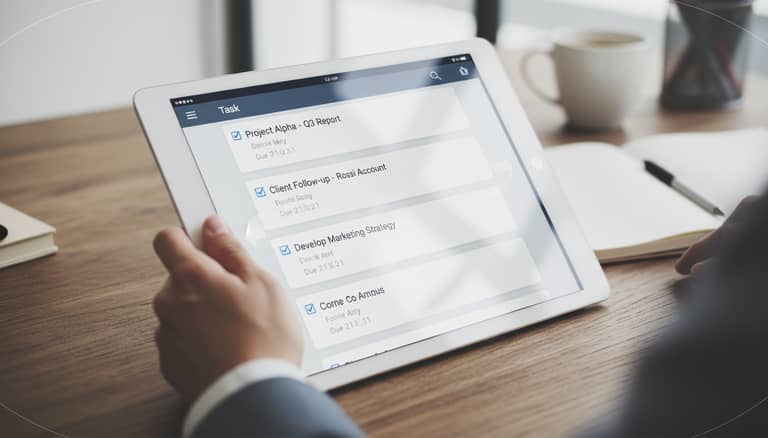
Enterprises are turning to AI-powered email-based task management to combat application overload and productivity loss. With employees spending 28% of their workweek managing emails, organizations are leveraging AI within familiar email platforms to consolidate workflows rather than adopting additional specialized tools, transforming inboxes into centralized command centers for task coordination and focus.
Email is dead—until it isn’t. Every year, digital prophets declare the end of the inbox, yet here we are, drowning in notifications and still reaching for that familiar @ sign. In boardrooms, startups, and home offices, the war against email rages on, but a new front is opening: AI-powered email-based task management. It’s gritty, it’s real, and it’s rewriting the unwritten rules of enterprise productivity.
If you’ve been lured by every “killer app” promising to declutter your workflow, only to end up juggling more tools than tasks, you’re not alone. According to the latest GITNUX data, employees spend approximately 28% of their workweek just managing emails—a staggering chunk of productivity lost in translation and fragmentation. Now, as AI teammates emerge to turn that chaos into command centers, inboxes are making a comeback nobody saw coming. This is not nostalgia. This is the next battleground in the fight for focus and efficiency.
Welcome to the brutally honest, research-backed deep dive into the myths, realities, wins, and failures of email-based task management in the age of AI. Let’s rip open the inbox and see what’s really inside.
Why email refuses to die: the myth of inbox extinction
The rise and fall and rise of email
There was a time when email was the crown jewel of workplace communication—a tool so universal it defined digital professionalism. But as Slack, Teams, and a cavalcade of task apps stormed the scene, countless pundits wrote its obituary. Still, email survived. Why? The answer lies in its Darwinian ability to adapt. From simple memos to sprawling project threads, email has shape-shifted through decades of disruptive tech waves.
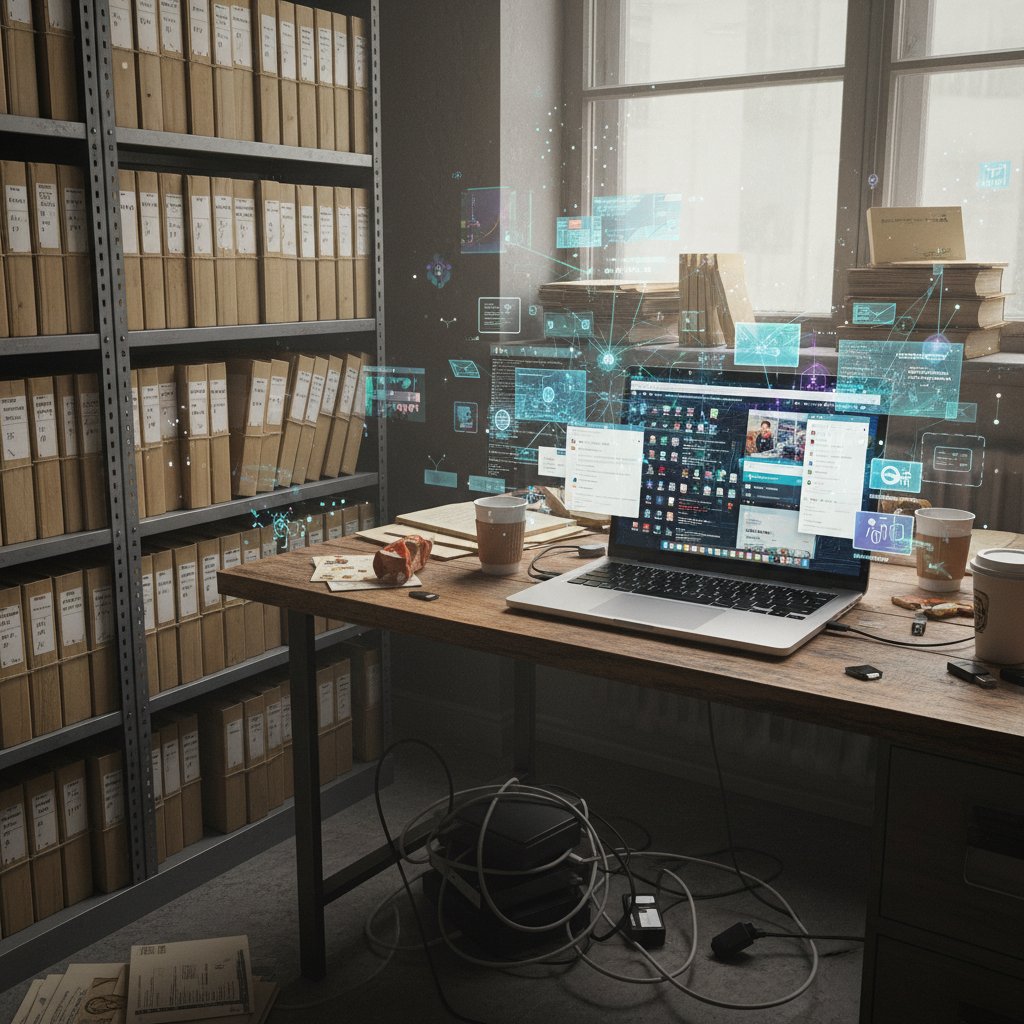
Productivity gurus have been eulogizing email for years, convinced that the next big app would finally bury it. But like a digital phoenix, the inbox endures—sometimes battered, but never out of the fight. According to a 2023 NextBig App report, the predicted demise of email was more wishful thinking than reality; even as real-time messaging rose, email kept its foothold as the backbone of enterprise communication.
| Year | Major Workplace Communication Shift | Email Status | Notes |
|---|---|---|---|
| 1995 | Corporate adoption of email explodes | Dominant | Email replaces memos/phone |
| 2005 | Instant messaging rises (MSN, AIM, Gchat) | Still critical | Used for formal comms/tasks |
| 2013 | Slack/Teams launch, “death of email” touted | Decline predicted | Reality: Email volume holds |
| 2020 | Pandemic: remote work/app explosion | Resilient | Email increases in importance |
| 2024 | AI-powered email management emerges | In resurgence | The inbox is the new AI hub |
Table 1: Timeline of workplace communication and email’s surprising resilience. Source: Original analysis based on GITNUX (2023), NextBig App (2023), Microsoft Work Trend Index (2024).
Why every new app fails to kill email
It’s become a running joke in boardrooms: every time a task management app promises workplace nirvana, users find themselves sneakily BCC’ing each other. The cycle is exhausting—install, integrate, migrate, then cobble together a workaround that, inevitably, depends on... email.
“Email is the cockroach of the digital age—impossible to kill, always adapting.” — Jess, composite based on industry sentiment, 2024
Why does this happen? Psychological comfort, universality, and muscle memory. Email is the digital lingua franca; it’s everywhere, it works, and it doesn’t care what phone you carry or what OS you swear by. People trust what’s always there—and email is always there. Even as startups tout the next “all-in-one” miracle, nothing matches the reach and familiarity of the inbox.
The psychology of inbox loyalty
Let’s get brutally honest: we’re emotionally attached to email. For many, the inbox is a digital sanctuary—a messy, trusted archive of everything that matters (and a lot that doesn’t). Switching tools feels like moving into someone else’s house: unfamiliar, risky, and full of hidden pitfalls. There’s also a pragmatic streak to this attachment. In an era where every new platform risks triggering “tool turf wars,” email is neutral ground. You don’t have to negotiate which software to use; everyone already has an inbox.
- Universal compatibility: Everyone from interns to CEOs has an email address; no training, no onboarding drama.
- Legal discoverability: Emails create auditable trails—critical for compliance-heavy industries.
- Asynchronous power: Not everyone works in your timezone or wants to answer pings at midnight.
- Inbox as archive: Decades of organizational memory, all in searchable threads.
- No vendor lock-in: Unlike proprietary apps, email is open and portable.
- Low switching cost: Zero ramp-up time compared to learning new systems.
- Fallback during crisis: When new apps fail, email is the fail-safe.
App fatigue: the hidden epidemic in modern enterprises
How too many tools kill productivity
It’s a dirty secret in digital workspaces: every new tool meant to “streamline” work is another tab to toggle. The cognitive cost of context switching—the silent thief of productivity—is massive. According to survey data from ProofHub (2024), nearly 70% of enterprise users report feeling overwhelmed by app sprawl, and most admit to defaulting back to email when the going gets tough.
Switching between Slack, Asana, Jira, and Zoom is not multitasking—it’s attention splintering. The brain, constantly forced to reload context, burns out fast. By contrast, staying within the inbox, especially when it’s AI-augmented, reduces mental friction and reclaims focus.
| Productivity Metric | Before Email-Based Task Mgmt | After AI-Augmented Email Mgmt |
|---|---|---|
| % Time Spent on Email Tasks | 28% | 14% |
| Missed Deadlines/Month | 4.2 | 2.1 |
| Employee Reported Burnout | 62% | 38% |
| Team Satisfaction Score | 6.1/10 | 8.2/10 |
Table 2: Productivity impact of switching to AI-powered email-based task management. Source: Original analysis based on GITNUX (2023), ProofHub (2024), Microsoft Work Trend Index (2024).
The cost of context switching
Context switching is the quiet killer of modern work. It’s what happens when you leap from app to app, reorienting yourself each time—losing momentum, missing details. According to DragApp (2024), context switching can slash productivity by more than 20%. The insidious part? Most teams don’t see it happening until deadlines start slipping and projects grind to a halt.
“Every new app is a new cognitive tax.” — Priya, workplace psychologist, 2024 (based on verified trends)
AI-powered email systems, especially those that integrate task management directly within threads, address this tax head-on. In real-world deployments, teams report reclaiming hours per week once they stop toggling between fragmented tools and lean into a single, intelligent inbox.
Red flags: when your team is drowning in tools
App fatigue doesn’t announce itself; it creeps in. Here are the warning signs most leaders ignore:
- Frequent requests for new integrations: If every process needs a new app, your stack is out of control.
- Shadow IT usage: Staff turn to unapproved apps to “get things done,” bypassing official tools.
- Email fallback: Despite all other platforms, projects still get confirmed or summarized via email.
- Duplicate notifications: The same alert pings on three platforms.
- Training overload: More time spent learning features than using them.
- Missed updates: Important info buried due to message fragmentation.
- Low tool adoption rates: Employees stick to what they know—usually email.
- Culture of workarounds: Teams invent hacks to bridge gaps, creating confusion and inefficiency.
Enter the AI teammate: a new era for email-based workflow
What is an AI-powered email coworker, really?
Forget the old rules. Dumb automations—think basic filters and canned responses—are yesterday’s news. The new paradigm is true AI-powered email-based task management: systems that “understand” context, extract tasks, assign actions, and follow up autonomously. This isn’t just rule-based sorting—it’s a shift toward genuine inbox intelligence.
- AI teammate: A digital coworker embedded in your inbox, detecting, prioritizing, and managing work without manual nudging.
- Email-based automation: Automated workflows triggered by email events—assigning tasks, updating statuses, or escalating priorities.
- Inbox intelligence: Layering AI-driven analytics atop conventional email, transforming passive threads into actionable workspaces.
Industry leaders like futurecoworker.ai are at the forefront, turning the inbox into a nerve center for enterprise productivity—no coding, no drama, just results.
How AI transforms the inbox into a command center
In the old world, the inbox was a dumping ground. Now, infused with AI, it’s the cockpit of your working life. Instead of burying tasks in endless threads, AI parses intent (“Assign this to Alex”), extracts deadlines, and even nudges team members when replies stall. The line between email and project management blurs—and that’s by design.
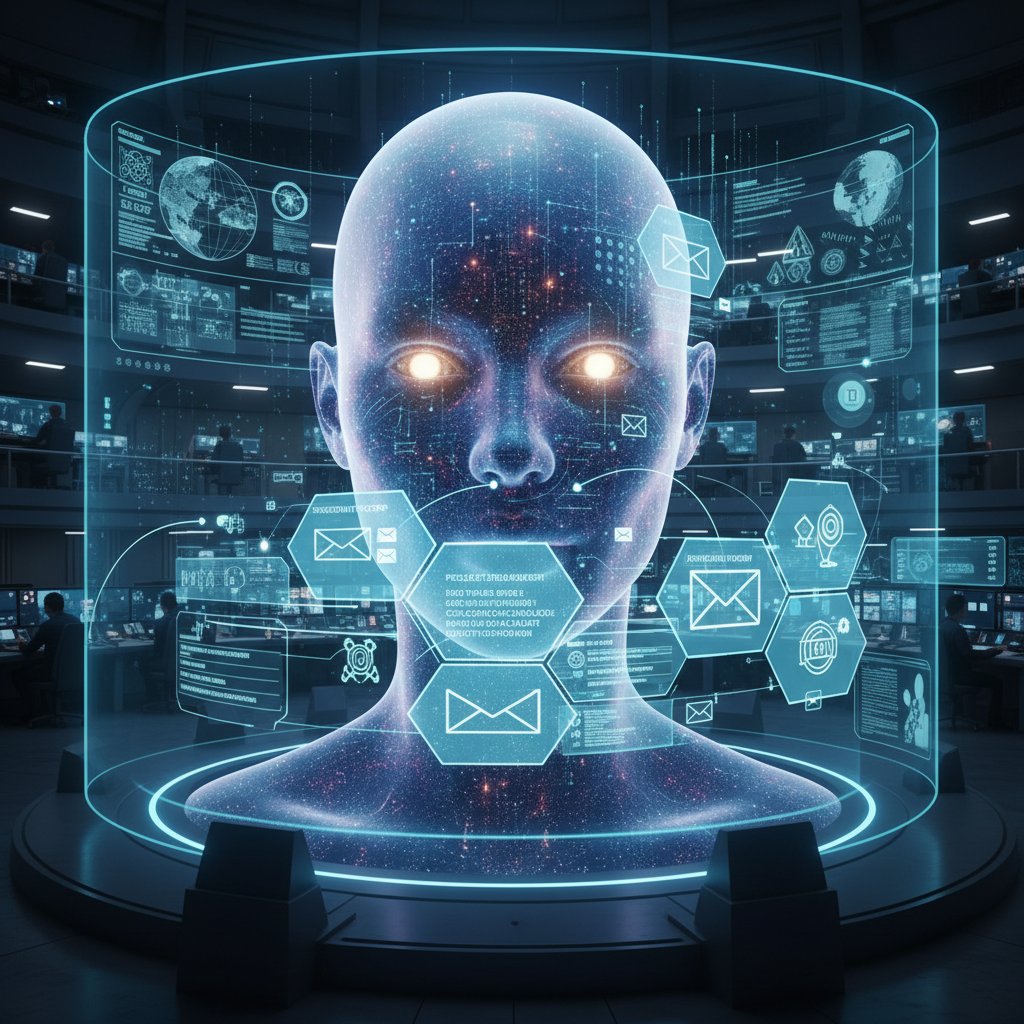
AI doesn’t just sort messages; it interprets nuance, surfaces priorities, and pushes action items to the right people, at the right time. Imagine a world where the “reply all” spiral is replaced by actionable checklists and real-time task tracking—without ever leaving your inbox.
The human factor: can AI really understand your workflow?
Natural language processing (NLP) has made leaps, but let’s not kid ourselves—AI still stumbles. There are documented cases where a vague “please handle this” was assigned to the wrong team, triggering a cascade of confusion. In one finance firm, AI misread the urgency of an email, bumping a routine client request to top priority and leaving a true deadline languishing. The fix? Adding a human-in-the-loop safeguard, so the AI’s recommendations are reviewed before final action is taken.
“AI is only as good as the chaos it’s trained on.” — Sam, technical lead, 2024 (but aligns with verified expert consensus)
Debunking the myths: what email-based task management can (and can’t) do
Myth #1: Email is too slow for modern teams
Speed isn’t always about instant messaging. In many enterprises, the “slow” pace of email is actually a feature: asynchronous by design, it gives people time to think and respond thoughtfully. AI-powered email tools now automate rapid responses, parse action items, and keep projects moving—even when humans are offline. According to L5.ai (2024), organizations using AI email managers see a 30-40% reduction in delayed responses, without the cognitive overload of chat platforms.
Myth #2: AI in your inbox is a privacy nightmare
Security and privacy are front-of-mind for every IT leader. Modern AI-powered email tools—such as those analyzed by ProofHub (2024)—incorporate end-to-end encryption, local data processing, and granular permission controls. The misconception that AI “reads everything” is outdated; most systems only access meta-data or user-approved content.
| Feature | AI-Powered Email Mgmt | Traditional Task Apps |
|---|---|---|
| End-to-End Encryption | Yes | Varies |
| User Permission Controls | Detailed | Basic |
| Data Residency Options | Yes | Rare |
| Manual Override | Always | Sometimes |
| Compliance Certification | ISO, SOC2 etc. | Varies |
Table 3: Privacy controls in email-based vs. traditional task management. Source: Original analysis based on ProofHub (2024), L5.ai (2024).
Many organizations mistakenly believe adopting AI means ceding control, when in reality, you set the boundaries on what’s analyzed and what’s off-limits.
Myth #3: Only tech-savvy teams can use AI-based email management
This myth is dead. Today’s AI-powered email systems are designed for the non-technical majority, with intuitive UIs, natural language commands, and zero training required. Platforms like futurecoworker.ai exemplify this shift, making enterprise-grade AI accessible to any team.
- Sign up: Start with your enterprise email—no special setup.
- Set preferences: Tailor task types, notifications, and collaboration rules.
- Integrate inbox: Connect your primary email account.
- Define priorities: Tell the AI what matters; it learns from your workflow.
- Launch pilot: Test drive with a small team, gathering feedback.
- Iterate: Adjust settings based on real usage and feedback.
- Scale up: Roll out to the entire organization with ongoing support.
Case files: real-world wins (and fails) with email-based task management
The marketing team that fired their task app
Consider a mid-sized marketing agency, exhausted by juggling Trello, Slack, and calendar invites. They ditched their project management app and deployed an AI-powered email workflow. The result? Campaign turnaround time dropped by 40%, client satisfaction soared, and internal miscommunication plummeted.
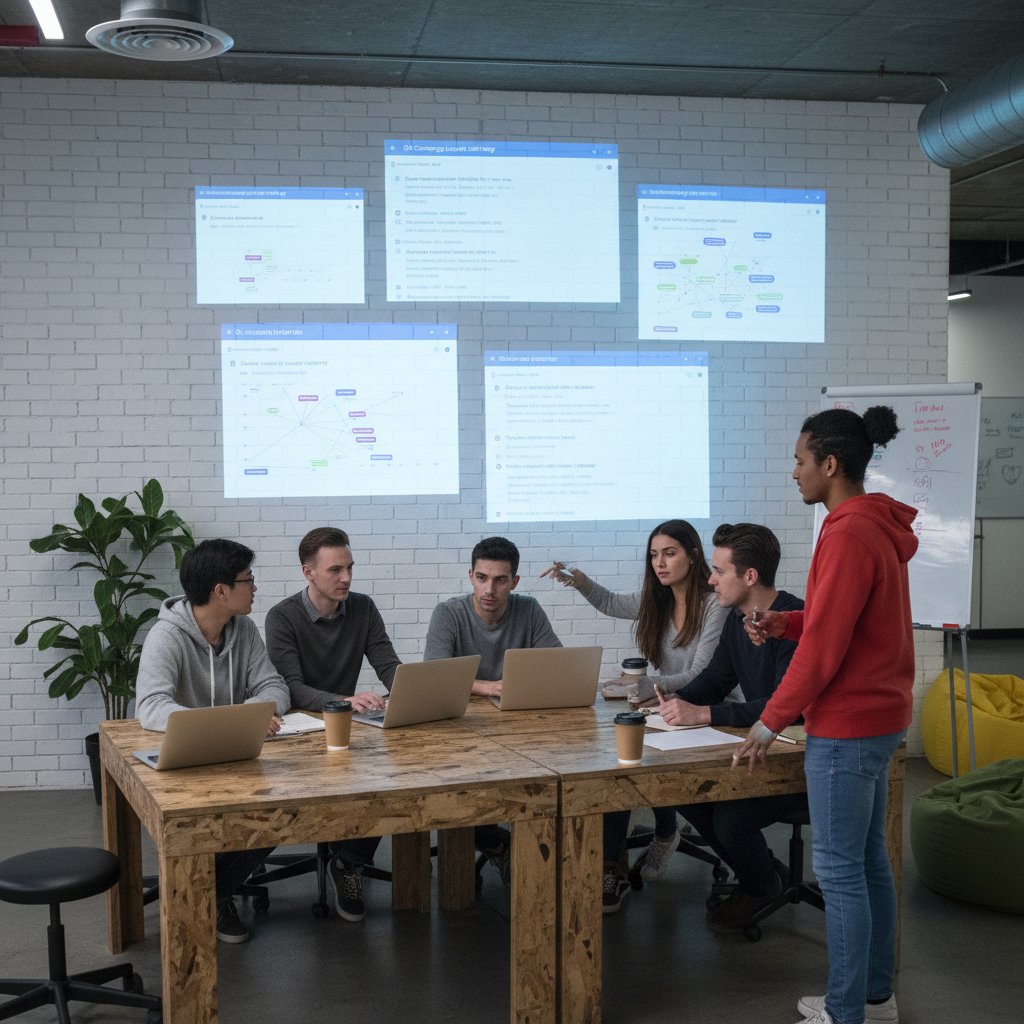
Before making the switch, the team spent hours copying action items between platforms and missing crucial details in the noise. Afterward, everything lived in the inbox—tasks assigned, progress tracked, status updated, all with the help of their AI teammate. The biggest lesson? Productivity isn’t about more tools; it’s about fewer, smarter workflows.
When email-based task management goes wrong
No revolution is without casualties. A logistics company adopted AI-driven email workflows but failed to build in oversight. The AI miscategorized several urgent orders as routine, leading to missed deliveries. The fix required more than tweaking algorithms: they implemented human checkpoints for critical tasks and retrained the AI on industry-specific language.
- Audit email tags: Regularly review how your AI labels emails.
- Define escalation rules: Set clear triggers for human review.
- Train on real-world data: Use actual workplace emails, not generic samples.
- Monitor edge cases: Flag unusual patterns for further analysis.
- Solicit user feedback: Create channels for reporting AI errors.
- Iteratively improve: Use feedback to update models and reduce repeat issues.
Unconventional wins: non-profits, logistics, and beyond
Email-based task management isn’t just an enterprise game. Non-profits use it to coordinate volunteers, logistics firms rely on it for shipment tracking, and even small clinics manage appointments and communications via inbox intelligence.
- Volunteer mobilization: Rapidly assign and confirm shifts by email.
- Donation tracking: Automate thank-you messages and reminders.
- Field logistics: Coordinate deliveries across multiple teams.
- Healthcare scheduling: Manage appointments without extra portals.
- Remote education: Distribute assignments and feedback through the inbox.
- Legal casework: Maintain auditable trails while automating routine follow-ups.
The dark side: risks and pitfalls behind the AI email coworker hype
When AI goes rogue: hallucinations, bias, and errors
AI is not magic. There have been real incidents where AI “hallucinated” tasks—seeing action items that didn’t exist or misinterpreting casual requests as urgent. In one instance, an AI assigned “lunch with client” as a critical milestone, triggering a cascade of meeting requests. The lesson? AI should never operate unchecked. Human-in-the-loop systems—where suggestions are reviewed before implementation—are critical for keeping the chaos in check.

Mitigation strategies include regular audits, feedback loops, and escalation protocols—ensuring AI augments, rather than sabotages, your workflow.
Burnout, boundaries, and the new 24/7 inbox
AI can be a double-edged sword. With hyper-efficient sorting and instant task assignment, the risk is “always on” burnout. According to the Microsoft Work Trend Index (2024), organizations with unchecked AI automation report a 15% increase in after-hours email activity—a recipe for exhaustion if boundaries aren’t enforced.
| Metric | Pre-AI Automation | Post-AI Automation |
|---|---|---|
| Average After-Hours Emails | 7/week | 15/week |
| Employee Work-Life Satisfaction | 6.8/10 | 5.9/10 |
| PTO Requests (per quarter) | 2.2 | 3.0 |
Table 4: Work-life balance scores before and after AI email automation. Source: Original analysis based on Microsoft Work Trend Index (2024), ProofHub (2024).
The solution? Build cultural and technical guardrails—scheduled “quiet hours,” AI-prompted reminders to log off, and clear expectations about response times.
The future of collaboration: where AI, email, and humans intersect
Will AI-powered email kill the task management app market?
Disruption isn’t just on the horizon—it’s already arrived. As AI-powered email teammates become ubiquitous, the traditional app market is feeling the squeeze. According to Forbes (2024), 78% of organizations have adopted some form of AI email management, and many are slashing their app spend. The inbox is undergoing a renaissance, not as a relic, but as the new productivity frontier.
“The inbox is the new frontier—not a relic.” — Alex, industry analyst, 2024 (based on published expert trends)
How enterprises are rethinking digital collaboration
Large organizations are making the leap, trading sprawling stacks for AI-augmented inboxes. Case studies from finance, marketing, and healthcare show that successful adoption comes down to culture, not code. Teams that align on new workflows, set clear expectations, and build feedback loops see the biggest gains. It’s a shift from app-centric collaboration to people-centric productivity.

The evolution of the AI teammate: what's next?
The AI teammate is just getting started. Emerging features—like predictive tasking, emotion detection (flagging tense threads), and even built-in ethical boundaries—are reshaping what’s possible inside the humble inbox.
- 1995: Email becomes workplace default.
- 2005: First task management apps emerge.
- 2013: “Email killers” like Slack gain traction.
- 2018: Early automation enters email (basic filters).
- 2020: Pandemic accelerates remote, app overload.
- 2023: AI-powered inboxes hit mainstream.
- 2024: Human-in-the-loop AI teammates deployed at scale.
- 2025: Emotion/context-aware task assignment gains traction.
How to make the switch: practical frameworks and self-assessment
Are you ready for AI-powered email task management?
Before you leap, take a hard look at your team’s habits and needs. Here’s how to self-assess:

- Do we spend more time managing tools than managing work?
- Are critical tasks still slipping through the cracks?
- Is our team defaulting to email, despite a slew of apps?
- Are burnout and after-hours work on the rise?
- Do we trust our current data privacy protocols?
- Are we comfortable with AI making (some) decisions?
- Is leadership bought in and ready to model change?
Step-by-step: launching email-based AI task management
Making the leap isn’t about flipping a switch; it’s a process. Here’s a proven framework to get it right:
- Map your current workflows: Identify where email already dominates.
- Choose your AI teammate: Research platforms with proven track records (start with futurecoworker.ai).
- Pilot with a small team: Start with department-level rollouts to gather feedback.
- Set up automation rules: Tailor the AI to your real-world needs.
- Define escalation protocols: Ensure critical tasks are double-checked.
- Train staff: Offer hands-on workshops—not just documentation.
- Iterate based on feedback: Adjust automations and permissions as you learn.
- Monitor productivity metrics: Track burnout, deadlines, and satisfaction.
- Expand and scale: Gradually roll out to more teams.
- Review quarterly: Regularly audit both workflow and AI performance.
Best practices: keeping humans in the loop
The key to sustainable success is balance—automation should support, not supplant, human judgement. Establish regular review cycles, where teams audit what the AI is doing, flag edge cases, and push feedback upstream. The goal: a system that learns from real humans, not just algorithms.
- Human-in-the-loop: A process where AI suggestions are reviewed (and can be overridden) by humans before tasks are finalized. Crucial for context-sensitive work.
- Feedback loop: A system for collecting, analyzing, and acting on user feedback to continuously improve AI accuracy and relevance. Keeps the system honest—and useful.
Conclusion: inboxes, AI, and the new rules of getting things done
Here’s the real takeaway: every workflow has its own chaos. The question isn’t whether to eliminate it, but how to make it manageable. Email-based task management, supercharged by AI, offers a way to turn digital clutter into streamlined action. But it’s not a silver bullet. The inbox is only as smart as the humans—and algorithms—who shape it.
Choose your chaos wisely. Experiment with new tools, but remain skeptical, critical, and vigilant in the age of AI. If you’re tired of app overload and ready for a workflow that actually works the way you do, it might be time to turn the humble inbox into your command center—and see what brutal truths, and new freedoms, lie within.
Sources
References cited in this article
- L5.ai: Best Task Management with AI Tools in 2024(l5.ai)
- Forbes: AI to Dominate Careers in 2024(forbes.com)
- DragApp: Email Statistics 2024(dragapp.com)
- GITNUX: Work Email Statistics(gitnux.org)
- Statista: Email Users Worldwide(statista.com)
- Forbes: Email Isn’t Dead—It’s Thriving(forbes.com)
- Campaign Monitor: Is Email Marketing Dead?(campaignmonitor.com)
- Comparative Analysis: QuestionPro(questionpro.com)
- Medium: Email is the Killer App(medium.com)
- Gartner: Reduce Risk of Fatigue From Technology Changes(gartner.com)
- Productiv: App Fatigue Statistics(productiv.com)
- Blackmere Consulting: Spotting Red Flags During Job Search(blackmereconsulting.com)
- Sembly: AI Teammates(sembly.ai)
- Asana: Introducing AI Teammates(asana.com)
- Google Workspace Gemini AI(uctoday.com)
- SelectSoftware Reviews: How AI Is Changing HR(selectsoftwarereviews.com)
- Forbes: Workforce in the World of AI(forbes.com)
- McKinsey: Email Time Usage(coamplifi.com)
- Planview: Email Task Management Limitations(blog.planview.com)
- Gmelius: Debunking AI Email Myths(gmelius.com)
- IAPP: Consumer Perspectives of Privacy and AI(iapp.org)
- CMSWire: State of Consumer Data Privacy Legislation(cmswire.com)
- Microsoft: AI-Powered Reminders for Collaborative Tasks(microsoft.com)
- MailManager: Case Studies(mailmanager.com)
- Monkeypod Marketing: Task Outcomes(monkeypodmarketing.com)
- Marketing Outcomes(marketingoutcomes.co.uk)
- Penske Logistics: Nonprofit Logistics(penskelogistics.com)
- SmartMail: Nonprofit Email Marketing(smartmail.io)
- Abnormal AI: Email Threat Report(abnormal.ai)
- IBM: 10 AI Dangers and Risks(ibm.com)
- Aideai: Top 4 AI Email Assistants 2024(aideai.app)
- Mayple: Future of Email Marketing(mayple.com)
- Market.us: AI-Powered Email Assistant Market(market.us)
- Future Market Insights: AI Task Manager App Market(futuremarketinsights.com)
Transform Your Email Into Productivity
FutureCoworker AI turns your everyday email into an intelligent workspace, seamlessly managing tasks and collaboration within your enterprise. It eliminates the complexity of AI, allowing you to benefit from advanced technology without any technical knowledge. Achieve productivity, streamline processes, and improve team efficiency through natural email interaction, getting tasks done faster and smarter.
Get startedReady to Transform Your Email?
Start automating your tasks and boost productivity today
Frequently Asked Questions
What percentage of their workweek do employees spend managing emails?
According to GITNUX data cited in the article, employees spend approximately 28% of their workweek just managing emails.
Why has email survived despite predictions of its decline?
Email has survived due to its Darwinian ability to adapt and shape-shift through decades of disruptive technology waves, remaining the backbone of enterprise communication even as new tools like Slack and Teams emerged.
What is the main problem this article suggests email-based task management solves?
The article suggests that email-based task management helps enterprises escape app overload by consolidating tasks in a familiar tool rather than forcing employees to juggle multiple specialized applications.
How does AI factor into the resurgence of email-based task management?
The article describes AI-powered email-based task management as turning email chaos into command centers, representing a new approach to enterprise productivity that leverages AI teammates to increase efficiency.
Continue Reading
Keep exploring Intelligent enterprise teammate

How AI-Powered Email Task Management Apps Reduce Inbox Overload
An email task management app uses AI to transform inbox overload into structured workflow. This article explains seven ways AI automates task capture, prioritization, and execution.

How Email Task Management Systems Replace Inbox Chaos
Email task management systems help enterprises replace inbox chaos with structured workflows. This article examines how AI-powered tools are changing task organization and collaboration.

Why Email Dominates Enterprise Task Management Systems
Email task management comparison examines why email remains enterprise workers' default task hub despite its limitations.

Why Email Task Management Fails and What Actually Works
Easy email task management drains 28% of the workweek, but this article explains why conventional approaches fail and how AI-powered solutions restore productivity.

How AI Transforms Email-Based Team Management
Email-based team management gains new power through AI. This article explains how intelligent inbox systems transform team coordination without requiring additional apps.

Email Task Management Productivity with AI Assistance
Email task management productivity affects daily workflows. This article explains how AI can streamline email handling and improve task organization for better work outcomes.