Work From Home Helper in 2025: Benefits, Real Costs, and What Actually Works
Written with AI assistance under our editorial guidelines
Work-from-home AI helpers promise productivity gains, but often deliver notifications, confusing automations, and suggestions that miss the mark. While marketed as seamless solutions to workplace chaos, they create new forms of overwhelm when they mislabel information or lack contextual understanding, leaving workers frustrated as expectations crash against reality.
Remote work—the phrase once whispered with envy is now a battle cry for 32.5 million Americans, and that number is still climbing. But behind the polished marketing and glowing LinkedIn posts, the story of the work from home helper is far more complicated, gritty, and—let’s be honest—often disappointing. In 2025, AI-powered teammates have become a fixture in enterprise life, yet for every email they auto-file and meeting they schedule, a new set of anxieties, technical glitches, and privacy trade-offs rears its head. If you thought embracing digital helpers was just about getting more done in your pajamas, buckle up. This deep dive exposes the myth of seamless productivity, the real costs buried in the automation gold rush, and what it actually takes to survive (and thrive) with an AI coworker by your side.
The myth of the perfect work from home helper
Why everyone wants a digital savior
The promise is irresistible: a work from home helper quietly organizes your chaos, sort your inbox, reminds you of deadlines, and handles the grunt work without a hint of attitude. AI-powered helpers are marketed as the ultimate fix for the modern worker drowning in Slack pings and email threads. They seduce with visions of Zen-like focus, frictionless workflows, and a calendar that finally feels under control. No wonder “AI coworker” and “digital assistant for remote work” are among the hottest search terms in productivity circles.
But dig deeper, and the reality isn’t always so serene. “Sometimes the AI creates more noise than clarity,” warns Ava, a seasoned remote work consultant who has seen countless teams struggle to tame their digital sidekicks. The truth? While digital helpers promise order, they often deliver a new flavor of overwhelm—endless notifications, confusing automations, and “helpful” suggestions that miss the mark.

How expectations set us up for disappointment
Expectations for work from home helpers are sky-high, especially after years of pandemic-fueled tech hype. Users imagine flawless automation, effortless collaboration, and a digital butler who reads their mind. In reality, the gap between what’s promised and what’s delivered is wide—and it’s workers who fall into it. Frustration mounts when AI mislabels emails, overlooks subtle context, or serves up cryptic reminders just as you finally hit your flow.
Hidden benefits of work from home helpers experts won’t tell you:
- They force teams to clarify processes, exposing workflow gaps that would otherwise fester.
- Digital logs create an audit trail, which can boost transparency (and accountability).
- Smart suggestions spark new productivity habits—sometimes by accident.
- Helpers can level the playing field for less vocal team members by surfacing their tasks.
- Automated summaries reduce meeting fatigue, freeing cognitive bandwidth.
- AI teammates rarely forget—catching details humans often miss.
- Automation can reveal which tasks are truly essential versus busywork.
Still, most users never harness these upsides. According to 57% of workers surveyed by Fortunly, 2022, poor work-life separation (often aggravated by always-on helpers) is a top reason for job dissatisfaction. The paradox? The very tools meant to liberate us can chain us to digital tedium if misapplied.
The reality check: What helpers can and cannot do
So, what’s in a work from home helper’s toolkit—and where do they stumble? The answer lies in hard boundaries. AI is great at parsing patterns, automating repetitive tasks, and surfacing reminders. It’s less adept at reading nuance, detecting sarcasm, or navigating the minefield of office politics. Privacy is a double-edged sword; data-driven smarts come with the risk of overexposure.
| Feature / Metric | Human Assistant | AI Helper | Basic Automation |
|---|---|---|---|
| Cost | High (salary + benefits) | Moderate (subscription-based) | Low (one-time setup) |
| Efficiency | Context-aware, flexible | Fast, scalable, pattern-based | Rigid, task-specific |
| Reliability | Variable (human error) | Consistent for routine tasks | High (if rules clear) |
| Privacy | Trusted, confidential | Data-dependent, needs safeguards | Limited, rule-based |
Table 1: Comparison of human assistants, AI helpers, and basic automation.
Source: Original analysis based on data from Fortunly, 2022 and ArchieApp, 2024.
As the table shows, there’s no silver bullet. Human assistants still outshine in discretion and intuition, while AI helpers win on sheer speed and scalability. Basic automation remains king for clear-cut, repetitive workflows—but stumbles when nuance is required. The brutal truth? Most AI helpers work best as supplements, not replacements, for human judgment.
A brief history: From telecommuting to AI teammates
The early days of remote work
Remote work wasn’t always a marathon of Zoom calls or Slack threads. In the pre-internet era, telecommuting meant lugging home reams of paperwork, checking in via landline, and hoping the fax machine didn’t jam. Only a privileged few—think consultants, writers, or field agents—escaped the office’s fluorescent grip. Collaboration tools were sticky notes, pagers, and the occasional overnight courier.
Fast-forward to the 2010s, and the emergence of cloud-based apps like Google Drive and Slack redefined remote productivity. What was once a logistical nightmare became, for some, a badge of modernity. But even then, the idea of a work from home helper was more Jetsons than reality.
The rise of digital assistants
The digital revolution kicked off with simple macros and email filters. From there, we got “smart” bots—think Clippy or basic calendar assistants—that could automate basic tasks. But these early attempts at digital help were clunky, often more hindrance than help.
Timeline of work from home helper evolution:
- 1980s: First home-office telecommuters use dial-up and fax.
- 1995: Email becomes standard for remote communications.
- 2000: Basic automation (macros, scripts) enters workflow.
- 2007: Smartphones make mobile work viable.
- 2013: Cloud-based collaboration transforms team dynamics.
- 2017: Voice assistants hit the mainstream (Siri, Alexa).
- 2020: Pandemic accelerates AI helper adoption overnight.
- 2023: AI-powered teammates become enterprise standard.
Key innovations? The jump from static automation to adaptive, learning-driven helpers. Suddenly, machines began “understanding” context, making suggestions, and learning from user feedback. The promise was efficiency, but the outcome often hinged on how well these tools blended with team culture and legacy systems.
The AI-powered revolution
Machine learning has turbocharged the capabilities of today’s helpers. Modern AI can parse natural language, anticipate needs, and even resolve scheduling conflicts with uncanny speed. But this isn’t magic—it’s the result of massive datasets, relentless iteration, and, yes, a fair share of user frustration.

Recent research from Crossover, 2024 confirms that productivity often rises with AI assistance—provided users invest time in setup and ongoing adjustment. The next five years? Expect deeper integration, smarter context handling, and (inevitably) new privacy headaches.
What is a work from home helper—really?
Beyond the buzzwords: Defining the modern helper
A work from home helper isn’t just a chatbot or a glorified macro. It’s a digital entity—sometimes AI-powered, sometimes rule-based—that sits at the intersection of task management, collaboration, and workflow optimization. These tools go beyond simple reminders, analyzing team dynamics, learning user preferences, and automating complex sequences across multiple apps.
Key terms:
An artificial intelligence system embedded in your workflow, capable of managing tasks, suggesting priorities, and adapting to team patterns. Example: futurecoworker.ai/ai-coworker
Software that handles repetitive tasks, organizes schedules, and responds to basic commands. Example: Siri, Google Assistant.
The seamless connection of various tools (email, calendar, chat) so that information flows without manual intervention. Example: syncing email tasks to project management boards.
Each definition matters because the real power of a work from home helper comes from integration—not just automation. Workers want tools that flex with their habits, not the other way around.
Types of helpers: From bots to AI teammates
Helpers come in many flavors. Some are simple bots that route emails or file documents; others are full-fledged AI teammates capable of nuanced decision-making and proactive support.
| Helper Type | Task Automation | Collaboration | Personalization | Learning Ability |
|---|---|---|---|---|
| Basic Bot | Yes | No | No | No |
| Rule-based Assistant | Yes | Limited | No | No |
| Digital Assistant | Yes | Some | Some | Minimal |
| AI Teammate | Yes | Yes | Advanced | Adaptive |
Table 2: Feature matrix of helper types.
Source: Original analysis based on ArchieApp, 2024 and industry standards.
Practically, basic bots excel at volume—handling hundreds of routine tasks hourly. Rule-based assistants offer more customization but are brittle when workflows change. Digital assistants can juggle collaboration but struggle with deep personalization. AI teammates, like those developed by futurecoworker.ai/workflow-integration, bring adaptive learning, but require training and vigilant privacy management.
Inside the machine: How AI work from home helpers really function
Under the hood: Key technologies explained
At the core of every AI work from home helper are three foundational technologies: Natural Language Processing (NLP), automation engines, and data analytics. NLP allows the system to “read” your emails, calendar invites, and chats, converting unstructured language into structured tasks. Automation engines handle repetitive sequences—think archiving files, scheduling meetings, or following up on overdue tasks. Data analytics crunch user behavior, surfacing trends and suggesting optimizations.
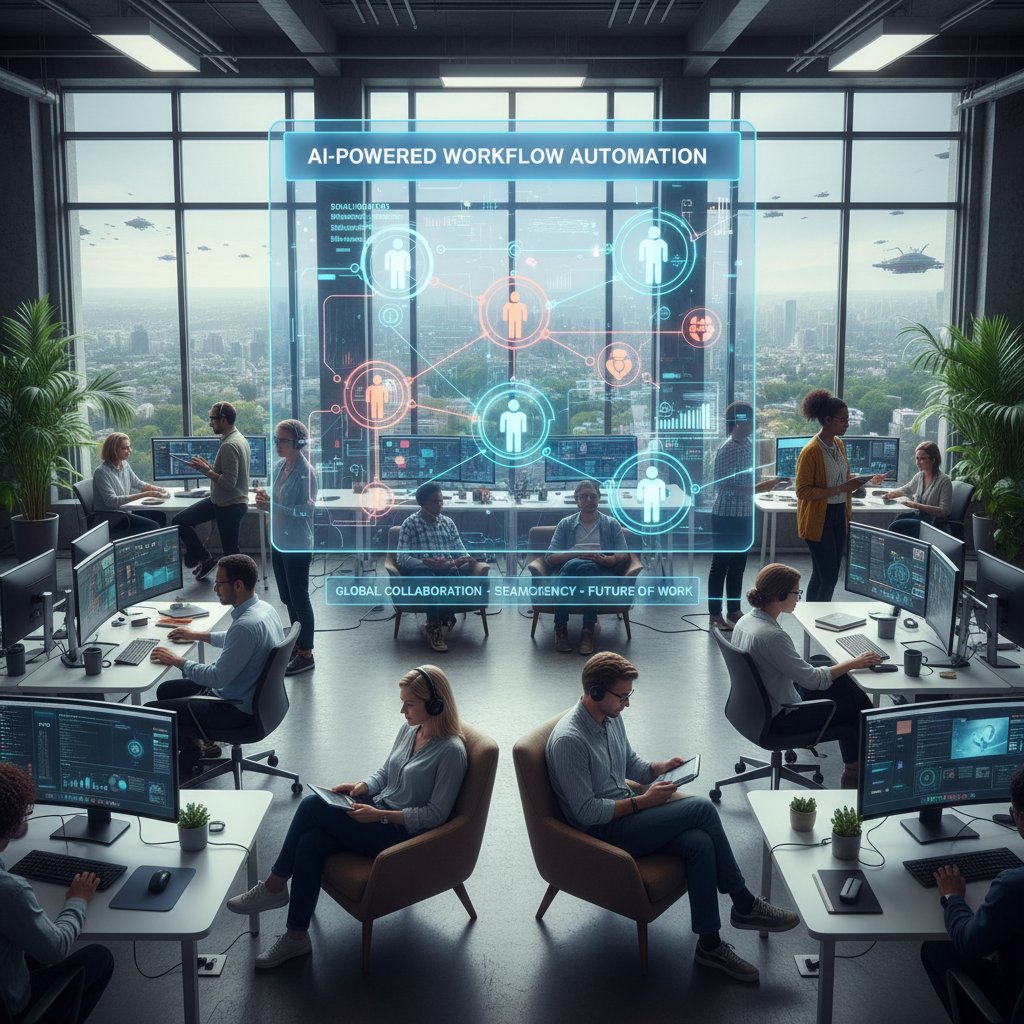
Most modern platforms, including those from futurecoworker.ai/automation, stitch these technologies together, letting users interact with complex systems through simple commands or even plain English.
Personalization versus privacy: The trade-off
Personalization is the holy grail—helpers that know your quirks, anticipate needs, and adapt over time. This is achieved by tracking user habits, preferences, and interaction patterns. But here’s the rub: the more a system knows, the more you risk exposing sensitive data. Privacy concerns are no longer theoretical. According to Pew Research, 2021, the top digital challenges facing remote workers now revolve around surveillance and data misuse.
"You can’t automate trust." — Leo, digital privacy advocate
The upshot? Striking a balance between hyper-personalization and data protection is essential. Savvy users demand transparency—clear settings for data retention, audit trails, and the ability to “turn off” features when privacy trumps convenience.
Integration: The secret sauce (or nightmare)
Integration is either the superpower or the Achilles’ heel of any work from home helper. New tools promise plug-and-play functionality but often choke on legacy software, fragmented databases, or incompatible security protocols.
Priority checklist for smooth helper integration:
- Audit all legacy systems and data sources.
- Map out critical workflows before onboarding new tools.
- Ensure helper supports open standards (APIs, SSO, etc.).
- Pilot with a small team before full rollout.
- Train users on both features and limitations.
- Build in regular review cycles for updates and bug fixes.
If you skip these steps, even the smartest AI will trip on silos and dirty data. Integration isn’t a one-off project—it’s an ongoing negotiation between tech, people, and process.
The human cost: Digital burnout and the helper paradox
When automation backfires
For all their wonders, work from home helpers can amplify stress. Too many notifications, clashing automations, and “helpful” nudges that misunderstand priorities can leave remote workers feeling stalked by their own tools. According to Fortunly, 2022, more than half of remote employees report higher stress levels after adopting aggressive automation—especially if they lack control over settings.
The phenomenon of digital burnout is now mainstream. Burnout isn’t caused by overwork alone, but by the relentless drip of context-switching, alert fatigue, and the loss of clear boundaries between work and home life.

The illusion of productivity
AI helpers are relentless in surfacing “action items.” But more isn’t always better. Research from Been Remote, 2025 shows that perceived productivity jumps after adopting helpers—but actual output often stagnates or declines, as users chase notifications rather than deep work.
| Metric | Before Helper | After Helper | Perceived Change |
|---|---|---|---|
| Tasks Completed per Week | 35 | 42 | +20% |
| Hours Worked per Week | 38 | 43 | +13% |
| Self-Reported Productivity | 7/10 | 9/10 | +29% |
| Quality of Output (Peer Rated) | 8/10 | 7.7/10 | -4% |
Table 3: Summary comparing productivity measures pre- and post-helper adoption.
Source: Been Remote, 2025.
Interpretation? Helpers often ramp up activity but not necessarily meaningful results. The key is to calibrate tools so they support, rather than hijack, your best work.
Finding the balance: Antidotes and strategies
Avoiding burnout isn’t about ditching helpers altogether—it’s about using them wisely. Experts suggest regular “notification audits,” setting clear boundaries, and embracing downtime as fiercely as you embrace automation.
Red flags to watch for in work from home helper use:
- You’re responding to more notifications than doing actual work.
- Your helper is making decisions without your oversight.
- Deadlines are missed due to conflicting or duplicated tasks.
- You feel watched or micromanaged.
- Meetings or reminders stack up without clear prioritization.
- You’re losing confidence in your own judgment.
The healthiest remote teams treat AI helpers like a tool—not a boss, not a friend, not an oracle. Recognizing when to unplug or push back is the antidote to digital exhaustion.
Case studies: Unexpected wins and epic fails
Real-world success stories
Consider the story of a mid-sized marketing agency that implemented an AI-powered helper to streamline campaign coordination. Before adoption, project turnaround averaged 21 days per client; after, it dropped to 13 days. By automating email triage and deadline reminders, response rates improved and team stress plummeted.
Key measurable outcomes:
- Campaign turnaround time reduced by 40%
- Client satisfaction scores rose from 7.5 to 9/10
- Internal admin workload dropped by 30%
Disasters in delegation
But not all stories end in glory. A finance firm attempted a sweeping rollout of an AI helper—without proper training or workflow mapping. The result? Missed deadlines, lost emails, and a 22% spike in client complaints within two months.
Common mistakes in work from home helper implementation:
- Skipping workflow analysis before deployment.
- Ignoring user feedback in the rollout phase.
- Failing to integrate with existing tools or databases.
- Over-automating sensitive tasks.
- Not establishing clear escalation protocols.
- Underestimating the learning curve.
- Neglecting privacy and compliance checks.
Recovery required a full audit, targeted user training, and a stepwise reintroduction of features. The lesson? Tech can’t fix broken processes—if anything, it exposes them faster.
Lessons learned: What the data really says
Synthesizing these examples, the pattern is clear: success with work from home helpers depends as much on people and process as on technology. Over and over, case studies reveal that when teams invest in setup, training, and ongoing review, helpers boost productivity and morale. When they shortcut the groundwork, chaos ensues.
"It’s never the tool—it’s how you use it." — Morgan, remote team lead
The broader trend? As AI teammates become standard, competitive advantage will go to those who pair human judgment with smart automation—not those who blindly chase the latest tech.
Controversies, myths, and the hype machine
Debunking the top five myths
The hype machine around work from home helpers is relentless. Let’s dismantle a few persistent myths.
Common terms, real meanings:
Not magic—just well-trained scripts with a dash of machine learning.
Only real if you invest time in setup, feedback, and adjustment.
Almost always an illusion—expect bumps and bugs.
Personalization is limited by the data you allow the helper to see.
Helpers never sleep, but that doesn’t mean you should be always on.
The reality is more grounded—and less glamorous—than most headlines suggest. Effective helpers demand attention, experimentation, and a willingness to adapt.
The dark side: Surveillance, bias, and overreach
Work from home helpers thrive on data. But the flip side is a new era of workplace surveillance, algorithmic bias, and overreach.
| Year | Controversy | Outcome |
|---|---|---|
| 2020 | Zoom privacy breaches | Increased scrutiny, lawsuits |
| 2021 | AI “productivity scoring” | Pushback from labor advocates |
| 2022 | Unintended algorithmic bias | Vendors overhaul models, apologies |
| 2023 | Covert surveillance via apps | New regulations, user backlash |
| 2024 | Misuse of private data | Stricter compliance requirements |
Table 4: Timeline of major controversies in remote work automation.
Source: Pew Research, 2021.
Users can protect themselves by demanding transparency, using privacy-first platforms, and regularly reviewing what data is collected and how it’s used.
Contrarian voices: Who says no to helpers?
Not everyone is sold. Creative industries, writers, and even some tech veterans resist the march of digital helpers—arguing that over-automation stifles originality and human connection.
"Sometimes, less tech is more human." — Jamie, creative director
Intentional resistance can be a virtue. Sometimes, the best “helper” is a carefully curated workflow—with the minimal number of moving parts.
Practical guide: Maximizing your work from home helper
Step-by-step setup for optimal results
Getting the most from your work from home helper isn’t about flipping a switch. It’s methodical, iterative, and rewards those who sweat the details.
Step-by-step guide to mastering your work from home helper:
- Map your current workflows—identify bottlenecks.
- List all the tools and platforms you already use.
- Audit permissions and data flows for privacy gaps.
- Pilot the helper in a limited, low-risk environment.
- Train users on both features and settings.
- Configure notifications and escalation rules.
- Monitor for unintended consequences (missed tasks, duplications).
- Collect feedback regularly—iterate settings.
- Schedule quarterly reviews to adapt as needs change.
Common pitfalls? Rushing rollout, neglecting privacy, and failing to close the feedback loop. Avoid these, and your helper becomes a true enabler.
Customization hacks for real productivity
Advanced users unlock massive gains by tweaking settings, building custom automations, and integrating across apps.
Unconventional uses for work from home helper:
- Auto-summarize lengthy email threads for project retrospectives.
- Sync tasks between email and agile boards.
- Use keyword triggers to escalate urgent client requests.
- Batch schedule “deep work” sprints by auto-blocking calendars.
- Have the AI draft routine status reports from collected data.
- Automate onboarding checklists for new remote hires.
- Create custom voice commands for accessibility.
- Set up mood tracking integrations for wellness insights.
Measuring impact requires discipline. Track both quantitative outcomes (turnaround time, error rates) and qualitative feedback (team morale, client satisfaction).
Checklists and quick wins
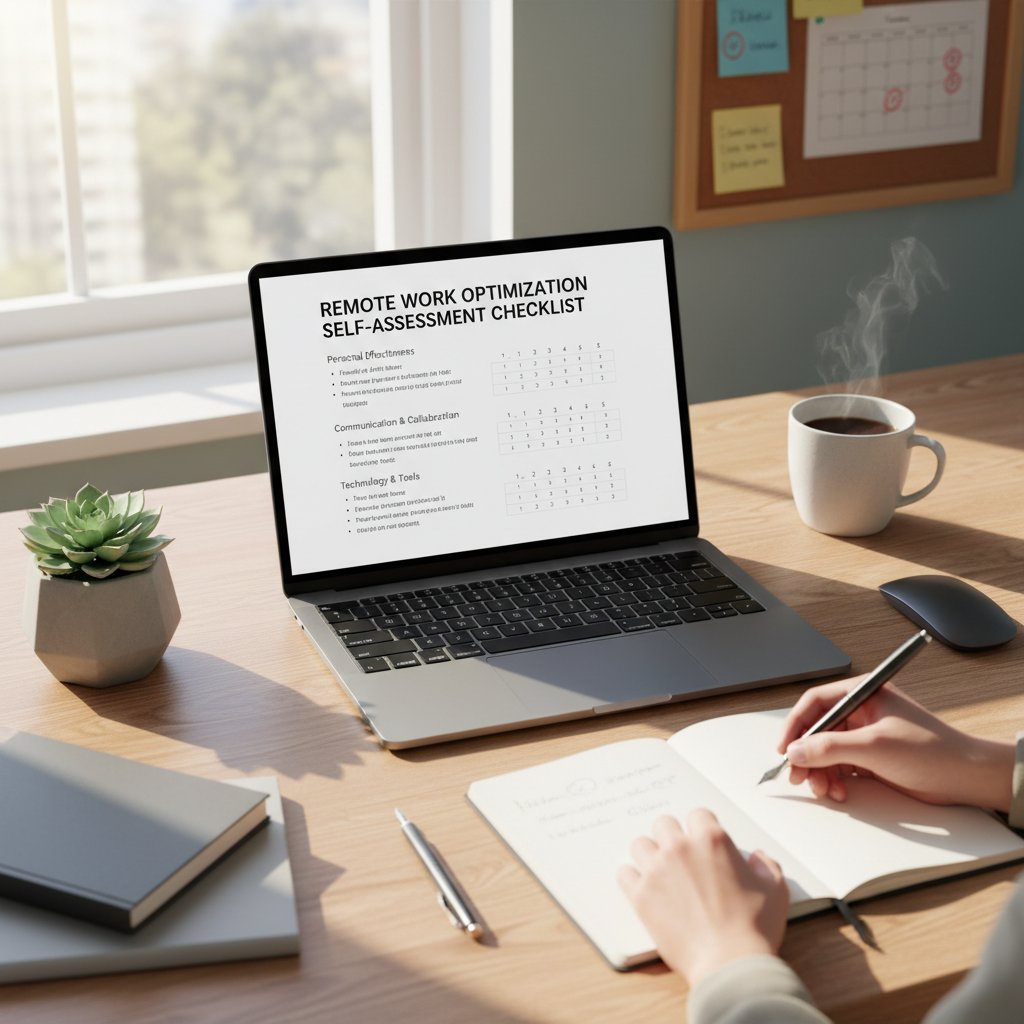
A self-assessment checklist is the fastest way to spot weak links in your setup.
The future of AI-powered collaboration
What’s next for work from home helpers?
Trends show the integration of AI teammates will deepen in the next few years. Sectors like technology, finance, and healthcare already report adoption rates above 50%, with projected growth across all knowledge industries.
| Industry | 2023 Adoption | 2025 Adoption | 2030 Projected Adoption |
|---|---|---|---|
| Technology | 53% | 67% | 85% |
| Finance | 42% | 58% | 79% |
| Healthcare | 39% | 51% | 72% |
| Marketing | 36% | 48% | 70% |
| Other Sectors | 25% | 33% | 54% |
Table 5: Projected adoption of work from home helpers by industry through 2030.
Source: Original analysis based on SkillScouter, 2024 and Sci-Tech Today, 2025.
Experts predict the competitive edge will go to organizations that blend human autonomy with responsible AI.
The evolving relationship: Human + AI teammates
Psychologically, the shift to AI-powered collaboration is rewriting workplace norms. The best teams blend empathy, creativity, and digital efficiency—using AI to amplify, not replace, human strengths.

Culturally, expect more organizations to reward not just tech skills but adaptability, feedback, and the ability to troubleshoot both human and machine problems.
Beyond 2025: Radical scenarios
Some envision a world where AI helpers are nearly invisible—woven into every workflow, nudging without being noticed. Others see a backlash, as digital burnout and privacy concerns fuel a return to basics. The real challenge? Deciding what to automate, what to keep human, and accepting that the answer will keep shifting.
Ready to question your own assumptions? Now is the time to audit your relationship with technology—before it quietly shapes your work (and your life) in ways you never intended.
Adjacent issues: Digital burnout, remote team culture, and the helper arms race
The digital burnout epidemic and its antidotes
Helper overuse is a direct driver of the digital burnout epidemic. Studies show that always-on tools, constant notifications, and lack of downtime lead to increased stress, sleep disruption, and job turnover. Combatting this starts with intentional use: schedule tech-free hours, audit notification settings, and favor platforms—like futurecoworker.ai/self-assessment—that promote user control over automation.
Remote team culture in the age of helpers
Helpers shift team dynamics, often flattening hierarchies and speeding up information flow. But they can also erode human connection if left unchecked. Maintaining culture means prioritizing face-to-face (or screen-to-screen) interaction, celebrating wins, and creating spaces for authentic, unstructured conversation.
The arms race: Keeping up with rapid change
The pressure to adopt the latest AI tools is relentless. But not every innovation is worth the disruption. Stay grounded by evaluating new solutions against clear criteria: Will this tool solve a real pain point? Does it protect privacy? Is the learning curve justified? Sometimes, the smartest move is to pause, reflect, and upgrade only when the benefits are clear.
FAQs and expert answers: Everything you’re still wondering about work from home helpers
Most-asked questions, answered
Here’s a rapid-fire round of expert answers to the questions people ask most about work from home helpers:
-
Are AI helpers really secure?
Most reputable platforms use enterprise-grade security, but always audit permissions and review privacy policies. -
Will my data be sold or used for ads?
Reliable helpers are transparent about data use—avoid any that aren’t. -
How do I stop my helper from over-notifying me?
Customize alert settings, and don’t be afraid to mute or pause. -
Can helpers automate creative work?
They’re better at routine tasks—creative work still needs a human touch. -
What should I do if my helper makes mistakes?
Provide feedback directly in the tool and escalate critical errors. -
How can I measure ROI on my helper?
Track before-and-after metrics: turnaround time, error rates, and user satisfaction. -
Which platform should I pick?
Choose one that integrates with your stack and values user privacy—futurecoworker.ai is a solid starting point for enterprise needs.
When to trust a helper—and when to walk away
Trust your helper when it’s making routine tasks painless, flagging urgent issues, and integrating seamlessly with your workflow. Walk away—or at least hit pause—if it overrides your judgment, compromises privacy, or increases your anxiety. As case studies show, the best outcomes come from active management, not blind trust.
Resources for deeper dives
For those ready to go further, check out industry blogs, government reports on AI ethics, and forums for remote work best practices. And for enterprise-grade solutions and ongoing insights, futurecoworker.ai/resources is a reputable hub for practical guides and community discussions.
Conclusion: The new rules of remote work—are you ready to let go?
What we gain, what we risk
Here’s the unvarnished truth: work from home helpers are neither saviors nor saboteurs. They’re tools—powerful, flawed, and evolving. Used with intention, they unlock new levels of productivity, transparency, and work-life balance. Used carelessly, they amplify chaos, stress, and digital fatigue. The new rules? Question the hype, own your workflow, and never outsource your judgment to an algorithm.
Your next move in the era of AI teammates
Ready to experiment with your own work from home helper? Start small—audit your needs, pick a tool that values privacy, and use the guides and checklists above to avoid common pitfalls. Measure results honestly, iterate often, and remember: technology should serve you, not the other way around. The future of remote work is being written right now—make sure your story is one you want to tell.
Sources
References cited in this article
- Sci-Tech Today(sci-tech-today.com)
- Fortunly(fortunly.com)
- ArchieApp(archieapp.co)
- Been Remote(beenremote.com)
- Pew Research(pewresearch.org)
- BrightSG(brightsg.com)
- Mondaq(mondaq.com)
- LifeSavvy(lifesavvy.com)
- BLS(bls.gov)
- PMC(pmc.ncbi.nlm.nih.gov)
- APS(psychologicalscience.org)
- Remoteopia(remoteopia.com)
- Remoteworkvillas(remoteworkvillas.com)
- FlexJobs(flexjobs.com)
- US Career Institute(uscareerinstitute.edu)
- ArchieApp(archieapp.co)
- FlexJobs(flexjobs.com)
- MBA Skool(mbaskool.com)
- Rippling(rippling.com)
- Indeed(sg.indeed.com)
- ActivTrak(activtrak.com)
- Wellhub(wellhub.com)
- Tidio(tidio.com)
- Asana(investors.asana.com)
- Teammates.ai(teammates.ai)
- OnlyOffice(onlyoffice.com)
- Forbes(forbes.com)
- Stanford News(news.stanford.edu)
- Frontiers(frontiersin.org)
- ThinkRemote(thinkremote.com)
- Flair.hr(flair.hr)
- Automation Anywhere(automationanywhere.com)
- Immersiveform(immersiveform.com)
- British Council(corporate.britishcouncil.org)
- Talk2Group(talk2group.com)
- Working Families(workingfamilies.org.uk)
- Ruby.com(ruby.com)
- BLS(bls.gov)
- Virtual Vocations(virtualvocations.com)
- SmallBizGenius(smallbizgenius.net)
Transform Your Email Into Productivity
FutureCoworker AI turns your everyday email into an intelligent workspace, seamlessly managing tasks and collaboration within your enterprise. It eliminates the complexity of AI, allowing you to benefit from advanced technology without any technical knowledge. Achieve productivity, streamline processes, and improve team efficiency through natural email interaction, getting tasks done faster and smarter.
Get startedReady to Transform Your Email?
Start automating your tasks and boost productivity today
Frequently Asked Questions
How many Americans are using remote work in 2025?
According to the article, 32.5 million Americans are working remotely, and that number is still climbing.
What are the main problems with AI work-from-home helpers mentioned in the article?
The article highlights that AI helpers often create more overwhelm than clarity through endless notifications, confusing automations, mislabeled emails, overlooked context, and cryptic reminders that interrupt workflow instead of improving it.
What does the article say about the gap between promised and actual performance of digital helpers?
The article states that expectations are set sky-high by marketing, but there is a wide gap between what's promised (flawless automation, effortless collaboration) and what's actually delivered, causing frustration among workers.
According to Ava, what is a key issue with AI digital sidekicks?
Ava, a remote work consultant, warns that AI sometimes creates more noise than clarity rather than delivering the order it promises.
Continue Reading
Keep exploring Intelligent enterprise teammate

Work From Home Assistant: What Actually Improves Remote Productivity
Work from home assistant tools promise efficiency but reveal hidden tradeoffs. This article examines what remote workers actually gain, the administrative burdens that persist, and evidence-based strategies that deliver results.

Work From Home Manager: Core Challenges and Evidence-Based Solutions
Work from home managers face distinct challenges in maintaining team morale and leadership. This article examines 11 core difficulties and research-backed solutions for remote team leaders.

Do I Really Need an Assistant, or a Digital Coworker in 2026?
Discover insights about need assistant

How Tech Helpers Reshape Enterprise Collaboration and Productivity
Tech helper transforms enterprise collaboration by automating email management and reducing information overload.

Online Helpers in Enterprise: Productivity Gains and Hidden Workplace Costs
This article examines how online helpers are reshaping enterprise teamwork, exploring the productivity gains, cultural risks, and privacy tensions they introduce to modern workplaces.

Office Helper 2026: From Email Bot to Real Digital Coworker
Discover insights about office helper