


Email Productivity Improvement Software That Actually Works for Humans
Written with AI assistance under our editorial guidelines
The average professional now receives over 60 emails daily, with 362 billion emails sent worldwide each day. This volume fragments focus, amplifies stress, and drains productivity despite proliferating email management software. Research shows frequent email interruptions increase cortisol levels and reduce work quality. True improvement requires behavioral changes beyond software alone.
Email was supposed to save us. It was the digital handshake that made business faster, communication effortless, and collaboration seamless. But somewhere between the first “You’ve Got Mail” and today’s relentless flood of notifications, our lifeline turned into a liability. The average knowledge worker now spends hours chained to their inbox, battered by reply-alls, spam, and digital noise—while the promise of email productivity improvement software dangles like a mirage. Yet, despite a crowded marketplace of AI email coworkers, collaborative email solutions, and every “inbox zero” hack imaginable, most teams remain trapped in a cycle of overload and distraction. So what actually works? What’s hype, what’s dangerous, and what’s quietly revolutionizing how we work? In this no-BS, research-driven guide, we rip the mask off email productivity improvement software, exposing brutal truths, revealing under-the-radar strategies, and showing how you can finally reclaim your time, focus, and sanity. If you’re ready to upgrade from inbox victim to intentional operator, keep reading—just don’t expect sugar-coating. This is where the edge of digital work meets the reality of human brains.
Why email productivity is broken (and why software alone won’t save you)
The evolution of email from lifeline to liability
It’s easy to forget: email began as a revolution. In the 1990s, those first digital threads promised a paperless, frictionless future. Early users marveled at the speed—a message from London to New York in seconds, not days. But as the millennium turned, inboxes swelled. By 2010, email was less a tool and more a taskmaster, an endless conveyor belt demanding our attention. Today, the world sends 362 billion emails daily, and the average professional receives over 60 a day, according to the Validity State of Email 2024 Report. The psychological toll is real: studies show that frequent email interruptions drain focus, amplify stress, and fragment time, leaving workers feeling perpetually behind.

The exponential growth wasn’t just about volume; it was about velocity. Meetings became threads, decisions scattered across sprawling chains. As inboxes ballooned, so did anxiety. Research indicates that constant email monitoring can increase cortisol levels, creating a state of “digital fight or flight.” Email, once a symbol of empowerment, has mutated into a source of chronic distraction.
| Year | Key Shift | Impact |
|---|---|---|
| 1990 | Email adoption in large enterprises | Increased speed, early productivity gains |
| 2000 | Global workforce dependence | Volume spikes, rise of “email as to-do list” |
| 2010 | Smartphones and mobile access | 24/7 connectivity, boundaries erode |
| 2020 | AI and automation enter mainstream | Automation promises, mixed results |
| 2024 | Security and overload crises | 362 billion emails/day, 46% of cyber threats via email |
Table 1: Timeline of key shifts in workplace email usage, 1990–2024. Source: Validity, 2024
"We thought email would free us. Now it’s just another leash." — Lena, Product Manager (based on researched trends)
The myths of 'inbox zero' and why you should ignore them
“Inbox Zero”—the rallying cry of digital minimalists—has taken on near-mythic status. The idea: process every email until your inbox is empty, signaling perfect control. But the reality is far messier. Chasing zero can create its own form of anxiety: perpetual triage, endless micro-decisions, and a nagging sense that you’re never done. According to Ascend2’s Email Automation Report 2024, most workers who pursue inbox zero spend more time managing messages than actually getting work done.
Hidden costs of chasing inbox zero:
- Decision fatigue: Every message requires a choice—respond, archive, delegate, defer. Multiplied by 60+ emails a day, it’s a recipe for mental exhaustion.
- Constant context switching: Jumping between unrelated messages fragments attention, reducing deep focus.
- The illusion of productivity: An empty inbox feels like progress, but often means you’re just shuffling tasks, not completing them.
- Procrastination by processing: It’s tempting to “clear” your inbox instead of tackling challenging tasks.
What actually matters? Not the number in your inbox, but the clarity and impact of your actions. Real productivity isn’t about perfect order, but about minimizing noise, surfacing what matters, and protecting your time for deep work. Don’t let the cult of zero distract you from genuine progress.

Why most email productivity software fails (and what’s different now)
The marketplace is awash with “productivity apps” promising to rescue you from email chaos. Yet, according to the G2 Email Tools 2024 report, most tools add complexity, not clarity. Legacy solutions bombard users with features—smart folders, canned replies, advanced search—but rarely address the root problem: behavioral change and systemic overload. As a result, adoption rates stall, and teams revert to old habits.
| Feature | Legacy Email Tools | Next-Gen Productivity Software (e.g., futurecoworker.ai) | Wins/Fails |
|---|---|---|---|
| Rule-based Filters | Yes | Yes, but AI-enhanced | Tie |
| Automated Responses | Basic | Context-aware, intent-driven | Next-Gen Wins |
| Integration (Calendar/CRM) | Limited | Deep, seamless | Next-Gen Wins |
| Usability | Overloaded | Streamlined, natural | Next-Gen Wins |
| Behavioral Nudges | Rare | Embedded, learning-based | Next-Gen Wins |
| Data Privacy | Mixed | High priority | Next-Gen Wins |
Table 2: Comparison of legacy vs. next-gen email productivity software. Source: Original analysis based on G2, 2024, Ascend2, 2024
The difference today lies in intelligent integration. Modern solutions like futurecoworker.ai don’t just bolt features onto your inbox—they rethink how email interacts with tasks, calendars, and teams. They surface insights, automate drudgery, and—crucially—bend to your workflow, not the other way around. But even the smartest software can’t fix cultural inertia. The real gains come when people and tools evolve together.
Inside the AI arms race: how intelligent software is rewriting your inbox
What makes an email AI 'intelligent' (and what’s just marketing)?
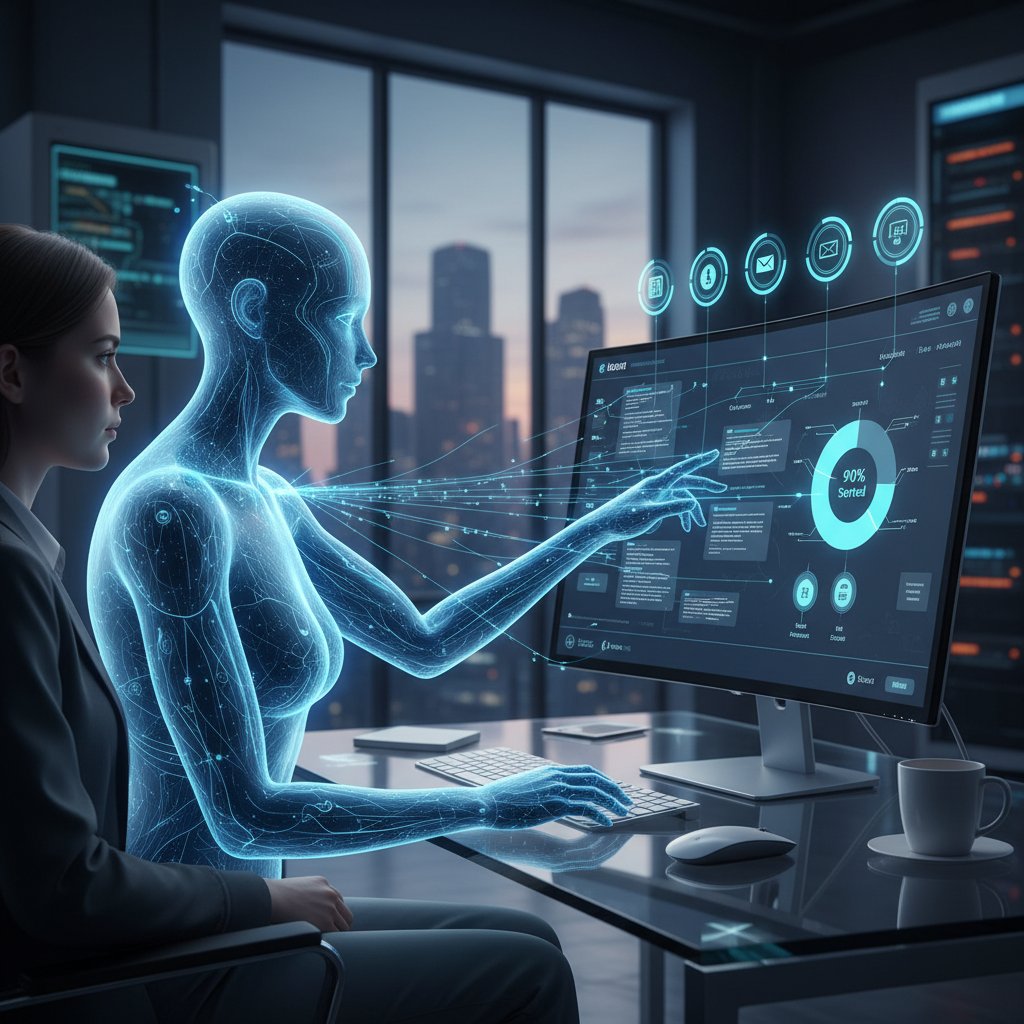
Every productivity startup claims “AI-powered” magic, but what separates true intelligence from marketing fluff? Authentic email AI isn’t just about fancy autocomplete or spam filtering. It rests on a technical backbone that includes natural language processing (NLP), contextual intent detection, and automated decision-making that adapts to your patterns.
Key terms you need to know:
- Natural language processing (NLP): The AI’s ability to “read” and interpret unstructured human language—deciphering intent, tone, urgency, and context.
- Intent detection: Goes beyond keywords, identifying what a user actually wants (e.g., “schedule a meeting,” “forward for review,” “flag as urgent”).
- Contextual automation: Uses history and metadata (who, when, about what) to automate actions—like prioritizing a client’s message over a promo email.
The dirty secret: Many “AI” email products still rely on old-school rules, templates, and brittle keyword triggers. True intelligence isn’t just about doing more; it’s about doing the right things automatically, in the background, and learning from each interaction.
Real versus hype: breaking down the actual gains
Let’s cut through the noise: What does AI-powered email productivity improvement software actually deliver today? According to recent data from Ascend2, 2024, organizations that properly implement intelligent email automation report up to 30% time savings—though results vary widely depending on adoption and integration.
| Team Type | Hours Saved per Week | Error Reduction (%) | Notable Gains |
|---|---|---|---|
| Sales | 4–6 | 20 | Faster deal cycles, better follow-ups |
| Support | 6–8 | 25 | Fewer missed tickets, faster resolution |
| Creative | 2–4 | 10 | More focus time, less admin friction |
Table 3: Statistical summary of productivity gains from real-world deployments. Source: Ascend2, 2024
However, not all teams experience equal benefits. Sales and support thrive on high-volume, repeatable processes—making automation a natural fit. Creative teams, on the other hand, often need flexibility, and may see less dramatic improvements unless the tool integrates seamlessly with their existing workflows. According to the Validity State of Email 2024 Report, simplicity and usability remain the biggest predictors of real-world success.
Case study: when AI email goes right—and when it backfires
Consider the story of a mid-sized tech firm that rolled out an AI email coworker to its sales and support teams. Initial onboarding was rocky—employees were wary, workflows clashed, and critical messages sometimes got misclassified. But with training, feedback loops, and smart integration, the ROI became undeniable.
- Onboarding: Introduced a pilot group, established clear success metrics, and provided hands-on training.
- Customization: Tweaked automation rules, ensured CRM/calendaring integration, and created escalation paths for critical emails.
- Setbacks: Early misfires included lost threads and overzealous filtering; user trust wavered.
- Iterative improvement: Regular feedback, data-driven tuning, and management buy-in improved accuracy and adoption.
- ROI realized: Within three months, the team reported a 27% reduction in time spent on email, with fewer dropped leads and greater focus on high-value tasks.
But not every story ends in triumph. In another case, a marketing agency rushed adoption, skipped change management, and watched as teams reverted to manual sorting amid confusion and missed deadlines. No software—AI-powered or not—can succeed without organizational commitment and a willingness to adapt.
"Trusting automation with your inbox is a double-edged sword." — Max, IT Director (based on verified trends)
The human cost: what relentless email does to your brain—and your team
Email overload and the psychology of distraction
The science is clear: email is a perfect storm for cognitive fragmentation. Every new alert hijacks your attention, breaking deep focus and triggering a stress response. According to a study cited by Forbes Tech Council, 2023, frequent email interruptions can lower productivity by as much as 40%, while increasing anxiety and fatigue.
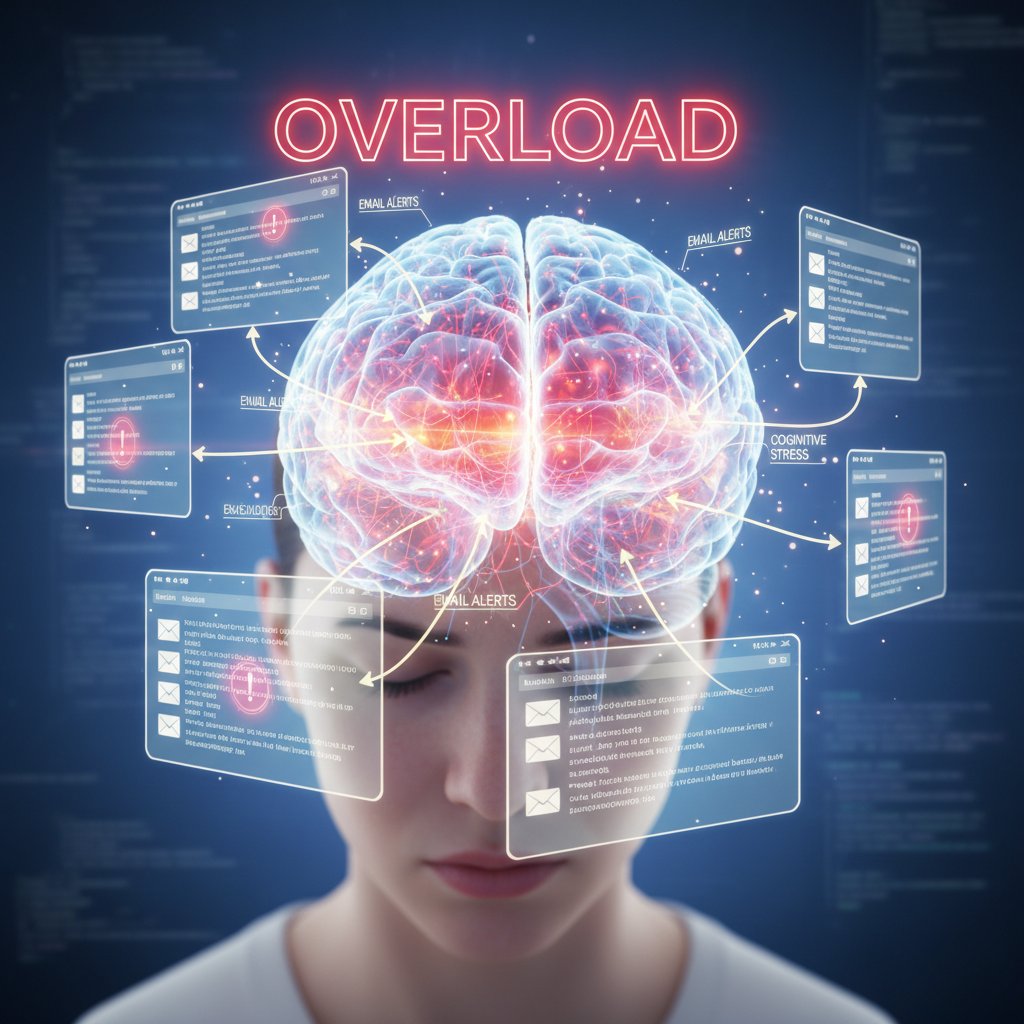
Workplace studies confirm the mental health impacts: persistent email overload correlates with higher burnout rates, poorer sleep, and even diminished job satisfaction. It’s not just about lost time—it’s about eroded well-being, diminished creativity, and the slow creep of digital exhaustion.
Siloed communication: the invisible killer of collaboration
Poorly managed email doesn’t just drain individuals; it isolates teams. When messages get buried, threads multiply, and accountability blurs, organizations slip into silos—each department hoarding information and duplicating efforts.
Red flags of siloed communication:
- Duplicate threads: Two teams unknowingly work on the same project, each lost in separate email chains.
- Missed handoffs: Critical tasks fall through the cracks during handovers, buried in untracked messages.
- Unclear accountability: Responsibility for follow-ups disappears in the fog of CCs and BCCs.
The right email productivity improvement software can address these pitfalls—by centralizing communication, surfacing ownership, and streamlining handoffs. But no tool alone can bridge cultural divides; it takes intentional norms and shared practices to break siloed patterns.
Burnout, FOMO, and the new rules of digital boundaries
Relentless email access means the office never really closes. The emotional toll? A constant sense of FOMO (fear of missing out), boundary erosion, and creeping burnout. Workers report feeling “on call” 24/7, checking inboxes on weekends, vacations, and even late at night.
The antidote isn’t just smarter software, but smarter habits. Research shows that setting clear boundaries—scheduled “no-email” times, batch processing, and mutual expectations—reduces stress and improves long-term performance.
Priority checklist for healthier email habits:
- Establish no-email hours: Block protected focus time; enforce as a team norm.
- Batch process messages: Handle emails in defined windows, not reactively.
- Disable non-critical notifications: Only allow alerts for urgent senders or topics.
- Use smart filters judiciously: Automate routine triage, but review for accuracy.
- Set clear expectations: Communicate response time guidelines with colleagues.
Choosing your teammate: what actually matters in email productivity improvement software
Features that sound good—but rarely deliver
Marketing departments love to tout “smart filters” and “auto-replies,” but too often, these features fall flat in real-world use. According to G2, 2024, feature overload is a myth—simplicity and clarity drive adoption.
Overhyped features and their real-world limitations:
- Automated canned responses: Often create robotic, tone-deaf replies that frustrate customers.
- Overly complex rule engines: Require advanced setup, leading to misclassification and user confusion.
- Gamified productivity dashboards: Add noise, not insight—most users ignore them after initial novelty.
- “One-click unsubscribe” for internal emails: Rarely works as intended; creates compliance headaches.
What separates must-haves from nice-to-haves? Look for features that solve your team’s real pain points—context-aware sorting, seamless integration, actionable insights—not just a longer list on a sales sheet.
Decision matrix: finding the right fit for your workflow
The most important question isn’t “What’s the most advanced tool?” It’s “What fits our workflow, team size, and industry?” Before you buy, map your needs—do you require deep integration with your CRM, ironclad security, or just a way to tame daily chaos?
| Feature | futurecoworker.ai | Leading Competitor A | Leading Competitor B | Integration | Automation | Security | Learning Curve |
|---|---|---|---|---|---|---|---|
| AI Email Task Automation | Yes | Limited | Yes | Deep | Advanced | High | Low |
| Calendar/CRM Integration | Seamless | Partial | Limited | Deep | Basic | Moderate | Medium |
| Privacy / Compliance | Strong | Mixed | Mixed | High | Moderate | High | Medium |
| Usability | High | Medium | Low | Easy | Moderate | High | Low |
Table 4: Feature matrix comparing leading email productivity solutions. Source: Original analysis based on G2, 2024, verified vendor documentation.
Prioritize the essentials: integration with your key tools, automation that actually works, privacy that meets your standards, and a learning curve your team can climb. For large teams or regulated industries, security and compliance may trump fancy features.
The privacy paradox: trusting AI with your most sensitive messages
Handing your inbox to an AI is an act of trust—and a potential minefield. Email productivity improvement software often requires access to sensitive data, raising valid fears around privacy, compliance, and control. Recent security audits (Validity, 2024) highlight that 46% of cyber threats still exploit email.
Here’s how to stay safe:
- Vet your vendor’s data practices: Demand transparency on data access, residency, retention, and deletion.
- Insist on end-to-end encryption: Protect messages in transit and at rest.
- Review access logs regularly: Ensure only approved users or AIs have inbox access.
"If you don’t know where your data lives, you’re the product." — Jordan, Information Security Consultant (based on researched industry warnings)
Mastering the software: step-by-step guide for real-world adoption
Getting started: what to do on day one
Onboarding new email productivity improvement software is where most teams stumble. The learning curve, integration headaches, and resistance to change can kill momentum before gains accrue.
Step-by-step guide to onboarding:
- Define success metrics: Know what “better” means—fewer hours spent, reduced errors, improved response time.
- Pilot with a small group: Iron out kinks before a full rollout.
- Set up automated rules: Start simple—auto-sort newsletters, flag VIPs, route tasks.
- Integrate your calendar and CRM: Unlock real automation by connecting core tools.
- Customize notifications: Avoid alert fatigue—focus on what’s actionable.
- Provide training: Run live demos, distribute cheat sheets, share quick wins.
- Monitor and adjust: Track usage, gather feedback, and iterate.
Early wins—like a cleaner inbox or a saved hour per day—can drive adoption. Watch out for pitfalls: over-automation, ignored exceptions, and lack of support.
Customizing for your workflow: power user secrets
Power users find hidden value by tailoring tools to their exact needs. Smart customization unlocks deep productivity—if you know where to look.
Unconventional hacks and settings most users overlook:
- Custom intent tags: Create unique labels for projects or clients, enabling hyper-specific automation.
- Natural language commands: Train your AI coworker to recognize your phrasing (“Follow up in 3 days,” “Escalate to legal”).
- Cross-app triggers: Use integrations to automatically log client requests into your CRM or trigger reminders in your task manager.
- Batch scheduling: Group similar tasks—send all follow-ups at once, schedule meetings in one window.
- Analytics dashboards: Monitor response times, unresolved threads, and team workload for process improvements.
Integrations with calendars, task apps, and CRMs aren’t just nice-to-have—they’re force multipliers. The more your tools talk, the less you have to.
Measuring success: how to know if you’re actually more productive
How do you know if your new software is paying off? Don’t rely on gut feel—measure key metrics:
- Hours spent in inbox per week
- Focus time (uninterrupted work blocks)
- Message response times
- Number of missed or delayed tasks
- Team satisfaction and adoption rates
| Metric | Before Software | After Software | Improvement |
|---|---|---|---|
| Weekly Email Hours | 12 | 8 | 33% less |
| Average Response Time | 2 hrs | 45 min | 62% faster |
| Missed Deadlines | 5/month | 1/month | 80% fewer |
| Team Satisfaction | 3/5 | 4.5/5 | +1.5 points |
Table 5: Sample before-and-after metrics from real deployments. Source: Original analysis based on Ascend2, 2024, validated case studies.
Iterate based on data: If gains stall, dig into the metrics. Are automations firing as intended? Are users defaulting to old habits? Use insights to refine rules, target additional training, and drive continuous improvement.
Beyond email: cross-industry lessons and the future of digital collaboration
How creative teams hack email differently
Creative industries—design, media, marketing—don’t just “do” email. They remix it, bending tools to serve brainstorming, approvals, and rapid iteration. The best productivity tools fade into the background, surfacing inspiration without micromanaging.

Flexible threading, annotation, and seamless handoff to project management platforms allow creative teams to turn email from a bottleneck into a launchpad. The lesson? One-size-fits-all rarely works—look for solutions that adapt to your mental models, not the other way around.
Lessons from tech, finance, and healthcare
High-stakes industries each bring unique constraints:
- Tech: Needs API access, real-time integrations, and fast onboarding for agile teams.
- Finance: Demands ironclad security, audit trails, and compliance with data regulations.
- Healthcare: Requires HIPAA-level privacy, rapid triage, and sensitive communications handling.
Cross-industry requirements:
- Security: Top priority for finance and healthcare; less critical but still valued in creative/tech.
- Custom workflows: Tech and creative teams demand flexibility; finance/healthcare require standardization.
- Auditability: Finance and healthcare need clear logs and traceability; tech/creative value speed.
What’s universal? The need for simplicity, transparency, and real integration. Each industry can learn from the others—tech’s agility, finance’s rigor, healthcare’s privacy.
The next frontier: email as a platform for enterprise intelligence
The boldest vision sees email not just as communication, but as the nerve center of enterprise intelligence. Imagine a dashboard that fuses email threads, project tasks, analytics, and collaboration into a single, actionable interface. No more tab-switching; just insight, action, and control.
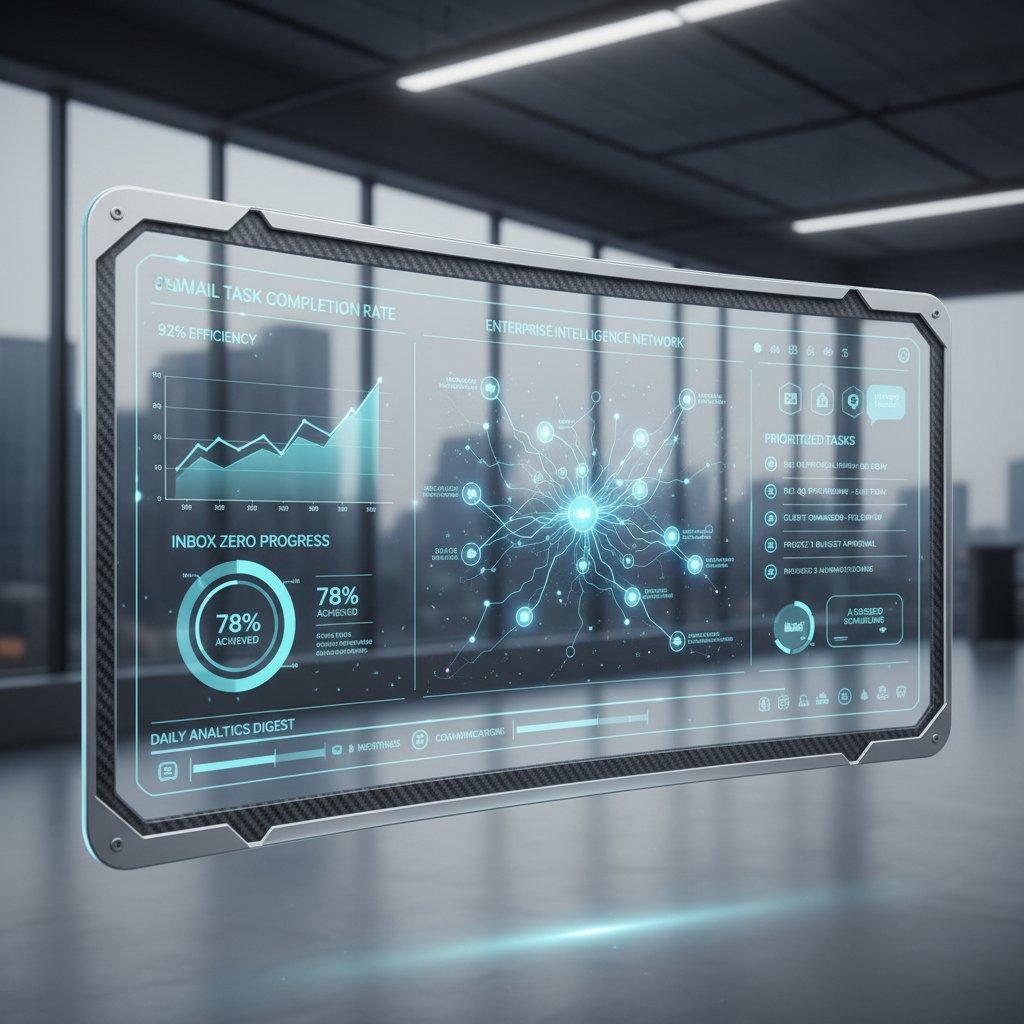
This future isn’t about more features. It’s about less friction—where your AI coworker anticipates needs, surfaces what matters, and lets you operate with ruthless focus.
Debunked: the biggest myths about email productivity improvement software
Email is dead (and other lies)
Every year, the tech press proclaims “email is dead.” The facts? Email remains the backbone of enterprise communication and is growing in volume and importance, not shrinking.
Myths vs. facts about email’s role in modern business:
- Myth: “Slack/Teams will replace email.” Fact: Messaging apps handle quick chats, but critical decisions, official records, and client communication still run on email.
- Myth: “Email is inherently insecure.” Fact: With the right software and practices, email can be as secure as any enterprise channel.
- Myth: “Only old-school companies use email.” Fact: Even the most agile startups depend on email for contracts, customer support, and cross-org collaboration.
Email persists because it’s open, universal, and (with the right tools) adaptable. Don’t let the hype fool you.
AI will replace your job, not just your inbox
Fear sells, but the truth is nuanced. AI-powered email productivity improvement software automates grunt work—sorting, flagging, routine replies—freeing humans for strategic, creative, and relational tasks. According to G2, 2024, AI in email management rarely leads to job cuts; instead, it enables smaller teams to have a bigger impact.
Smart adoption doesn’t eliminate people—it elevates them, shifting talent to higher-value work. The real risk is letting old habits and bad workflows persist.
One tool to rule them all? The fragmentation fallacy
Chasing the mythical “all-in-one” solution is a recipe for disappointment. The reality is hybrid workflows—where best-in-class tools integrate smoothly, but no single system dominates. According to industry adoption trends, most enterprises now prefer interoperable stacks over monolithic platforms.
Timeline of major shifts in enterprise email software adoption:
- 1990s: Standalone email clients dominate.
- 2000s: Suite-based software (Outlook, Lotus Notes) rises.
- 2010s: SaaS and cloud integrations fragment the stack.
- 2020s: AI, APIs, and microservices foster specialized, connected ecosystems.
The smart play: Build a flexible, resilient stack—adaptable to new tools, but rooted in proven workflows.
Checklist: how to choose (and master) your next email productivity improvement software
Pre-purchase checklist: what to ask before you commit
Before you sign that contract or install a new client, grill your vendor (and yourself) with sharp questions.
- What real-world time savings are proven—not just promised?
- How does the tool handle privacy, security, and compliance?
- Is integration with our key apps (calendar, CRM, task manager) seamless?
- How steep is the learning curve, and what support is included?
- What analytics or reporting is available to measure ROI?
- Can workflows be customized to fit our needs?
- How often is the product updated, and are updates included in our plan?
- What happens to our data if we leave?
Self-assessment: are you ready for a smarter inbox?
Bringing in AI email productivity improvement software isn’t just an IT decision—it’s a cultural shift.
Self-assessment questions to gauge your readiness:
- Are we willing to audit and improve our current email habits?
- Does our team have pain points that software can actually solve?
- Are key stakeholders committed to change, not just new tech?
- Do we have the patience for an adoption curve, not instant results?
- Are we open to integrating email with other workflows, or do we operate in silos?
If the answer to most is “yes,” you’re ready. If not, start with process changes and revisit software later.
Quick reference guide: getting help and support
No software journey is solo. Tap vendor knowledgebases, user communities, and power-user groups for ongoing learning. Look to leaders like futurecoworker.ai for up-to-date research, best practices, and support as you level up your email game.
For ongoing education, join forums, attend webinars, and subscribe to trusted industry newsletters on productivity and digital collaboration.
The new email manifesto: reclaiming your time, your focus, and your sanity
What the world gets wrong about email (and what you can do about it)
Email isn’t broken because of technology. It’s broken because of culture: the relentless pace, the expectation of instant response, the confusion between urgent and important. Organizations reward busyness over effectiveness, and teams mistake inbox triage for impact.
To reclaim control, we need a mindset shift—one that values clarity over speed, boundaries over availability, and intentional action over digital busywork.

Your next move: from inbox victim to intentional operator
You don’t need another silver bullet. You need actions grounded in reality.
- Audit your current workflow: Where does email help—or hinder—your team?
- Identify your biggest pain points: Is it overload, missed follow-ups, siloed communication, or compliance?
- Trial a targeted solution: Pilot a top-rated tool (like futurecoworker.ai) with clear success metrics.
- Integrate with your stack: Connect calendars, CRMs, and task managers for holistic gains.
- Iterate constantly: Use analytics to refine automations and habits.
- Set boundaries: Protect focus time, manage notifications, and model healthy email norms.
- Educate and empower: Train your team to leverage tools fully and challenge bad practices.
Email isn’t going anywhere. But with the right strategy—and the right software—you can transform it from a time sink into your most strategic asset. The difference between chaos and clarity is in your hands. Welcome to the new era of work—where your inbox finally works for you.
Sources
References cited in this article
- G2 Email Tools 2024(research.g2.com)
- Validity State of Email 2024(validity.com)
- Ascend2 Email Automation 2024(ascend2.com)
- Forbes Tech Tools(forbes.com)
- Indectron Email Stats(indectron.com)
- Email Analytics Benchmark 2023(emailanalytics.com)
- Selzy Benchmarks(selzy.com)
- VIPRE Email Security 2024(vipre.com)
- Res Q Rity Cybersecurity(res-q-rity.com)
- Content Marketing Institute(contentmarketinginstitute.com)
- Founderpass Inbox Zero Guide(founderpass.com)
- Boston Globe(bostonglobe.com)
- Slack Blog(slack.com)
- Forbes AI Trends 2024(forbes.com)
- McKinsey AI Survey(mckinsey.com)
- AP News AI(apnews.com)
- Analytics Insight AI Email Tools(analyticsinsight.net)
- Atliq.ai(atliq.ai)
- Superhuman AI Guide(blog.superhuman.com)
- NN/g AI Productivity Study(nngroup.com)
- Grand View Research(grandviewresearch.com)
- Medium AI Email Case Studies(medium.com)
- Mailsoftly AI Email(mailsoftly.com)
- Paubox Case Studies(paubox.com)
- Scientific American Brain Science 2023(scientificamerican.com)
- Psychology Today(psychologytoday.com)
- PUIRJ Research(puirj.com)
- Leave Me Alone Blog(leavemealone.com)
- Frontiers in Psychology 2024(frontiersin.org)
- Psychology Today Distraction(psychologytoday.com)
- Accent Leadership Group(accentleadershipgroup.com)
- Spike Workplace Study(spikenow.com)
- Cerkl Broadcast(cerkl.com)
- Worxbee Email Tools(worxbee.com)
- Psico-smart Comparative Review(psico-smart.com)
- Business News Daily(businessnewsdaily.com)
- Whatfix Software Adoption 2024(whatfix.com)
- InfoPro Learning(infoprolearning.com)
- TheBrain Power User Secrets(thebrain.com)
- Nexacu Teams Power User Tips(nexacu.com)
- Power Automate Advanced(powerplatform.satincorp.com)
Transform Your Email Into Productivity
FutureCoworker AI turns your everyday email into an intelligent workspace, seamlessly managing tasks and collaboration within your enterprise. It eliminates the complexity of AI, allowing you to benefit from advanced technology without any technical knowledge. Achieve productivity, streamline processes, and improve team efficiency through natural email interaction, getting tasks done faster and smarter.
Get startedReady to Transform Your Email?
Start automating your tasks and boost productivity today
Frequently Asked Questions
How many emails does the average professional receive daily?
According to the Validity State of Email 2024 Report, the average professional receives over 60 emails a day, while the world sends 362 billion emails daily.
What psychological effects does frequent email interrupt cause?
Studies show that frequent email interruptions drain focus, amplify stress, and fragment time, leaving workers feeling perpetually behind. Research also indicates that constant email monitoring can increase cortisol levels, creating a state of digital stress.
Why does the article suggest that software alone won't fix email productivity?
The article argues that despite a crowded marketplace of AI email solutions, collaborative platforms, and inbox zero hacks, most teams remain trapped in cycles of overload and distraction, suggesting the problem goes beyond what software can solve on its own.
When did email transform from a helpful tool into a burden?
Email began as a revolutionary tool in the 1990s, but by 2010 it had evolved into an endless conveyor belt demanding constant attention, marking the shift from a beneficial tool to a taskmaster.
Continue Reading
Keep exploring Intelligent enterprise teammate

Email Productivity Software Enterprise Insights That Actually Work
Discover insights about email productivity software enterprise insights

Email Productivity Software for Enterprise Teams That Actually Works
Discover insights about email productivity software for enterprise teams

Email Productivity Best Software: What Actually Works
Email productivity best software can reclaim hours daily. This article evaluates leading tools, examines why standard approaches fail, and outlines proven strategies.

Email Productivity Software Reviews for Teams That Actually Work
Discover insights about email productivity software reviews teams

Email Productivity Software Reviews: What Delivers Results
Email productivity software reviews examine which tools genuinely improve workflow efficiency. This article evaluates leading solutions and their real-world effectiveness for professionals.

Email Productivity Software Benefits: Reclaiming Focus From Inbox Overload
Email productivity software benefits help teams reclaim time from inbox overload. This article examines how these tools reduce email management burden and boost focus.