


Email Productivity Improvement That Actually Survives Real Work
Written with AI assistance under our editorial guidelines
The average professional spends 25 to 52 percent of their workday on email, with each interruption costing up to 23 minutes of lost focus. Research-backed strategies including behavioral science approaches and AI-powered tools can help transform email from a productivity drain into a manageable part of your workflow.
Drowning in email? You’re not alone. Email productivity improvement isn’t just a trendy catchphrase—it’s ground zero in the modern war for your attention, sanity, and even your career. As of 2025, the average professional spends between 25% and 52% of their workday battling their inbox, according to EmailAnalytics, 2025. The result? Burnout, lost hours, and a creeping sense that your real work is perpetually slipping through your fingers. This isn’t just about efficiency. It’s about reclaiming ownership of your day from the digital chaos merchants—the companies, cultures, and systems that quietly profit as you waste your best hours. In this in-depth guide, you’ll uncover the shocking truths behind email overload, the psychological traps nobody talks about, and 11 radical, research-backed strategies to claw back your time. From behavioral science to AI-powered teammates like futurecoworker.ai, we’ll arm you with everything you need to transform your inbox from enemy to ally—no matter how deep you’re buried.
Why email productivity is broken (and who profits from the chaos)
The hidden toll of email overload
Let’s drop the pretense: email overload is an epidemic, not a minor annoyance. Every ping, unread badge, and CC brings with it a psychological cost that seeps into your focus, decision-making, and even mental health. According to a comprehensive 2025 analysis by Inc.com, the average knowledge worker checks email 15 times per day, with each interruption costing up to 23 minutes of lost focus. Multiply that by weeks, months, and the entire workforce—and you have a silent productivity crisis.
Alt: Edgy photo of a stressed office worker surrounded by chaotic envelops and digital notifications, contrasted with a calm figure using an AI-powered tool at a minimalist desk. Cinematic lighting, high contrast, professional quality, symbolic of transformation from chaos to clarity.

| Industry | Avg Hours/Week on Email | Productivity Loss (%) |
|---|---|---|
| Technology | 13 | 21 |
| Marketing | 14 | 25 |
| Finance | 16 | 28 |
| Healthcare | 12 | 18 |
| Professional Svcs. | 17 | 30 |
Table 1: Average weekly time and productivity loss due to email, by industry.
Source: Original analysis based on EmailAnalytics, 2025, Inc.com, 2025
"Most people don't realize email is eating their best hours." — Jordan, digital productivity consultant, ProductivityShift, 2025
The financial cost is equally sobering. When 40% of an organization’s payroll is spent on employees managing email, rather than delivering actual value, you’re looking at millions in lost output—plus the invisible toll on morale and innovation.
Who benefits from your inbox chaos?
It’s tempting to assume email overload is just a design flaw. But follow the money, and a different picture emerges. Entire industries quietly profit from your distraction: from SaaS vendors peddling ever-more-complex “productivity” tools, to consultants hired to untangle communication messes, to managers who wield overflowing inboxes as a shield for missed deadlines and fuzzy accountability.
- Power hoarding: Leaders who never answer email keep knowledge—and power—to themselves.
- Plausible deniability: “I missed your message” becomes a corporate get-out-of-jail card.
- Vendor profit: The more chaotic your inbox, the more likely you’ll pay for yet another tool or add-on.
- Culture of busyness: Being “buried in email” gets mistaken for being indispensable, propping up toxic work cultures.
Unchecked email chaos doesn’t just waste time; it entrenches systems where real work takes a backseat to the appearance of work. The ripple effects are everywhere: missed opportunities, stunted careers, and a culture where urgency always trumps impact.
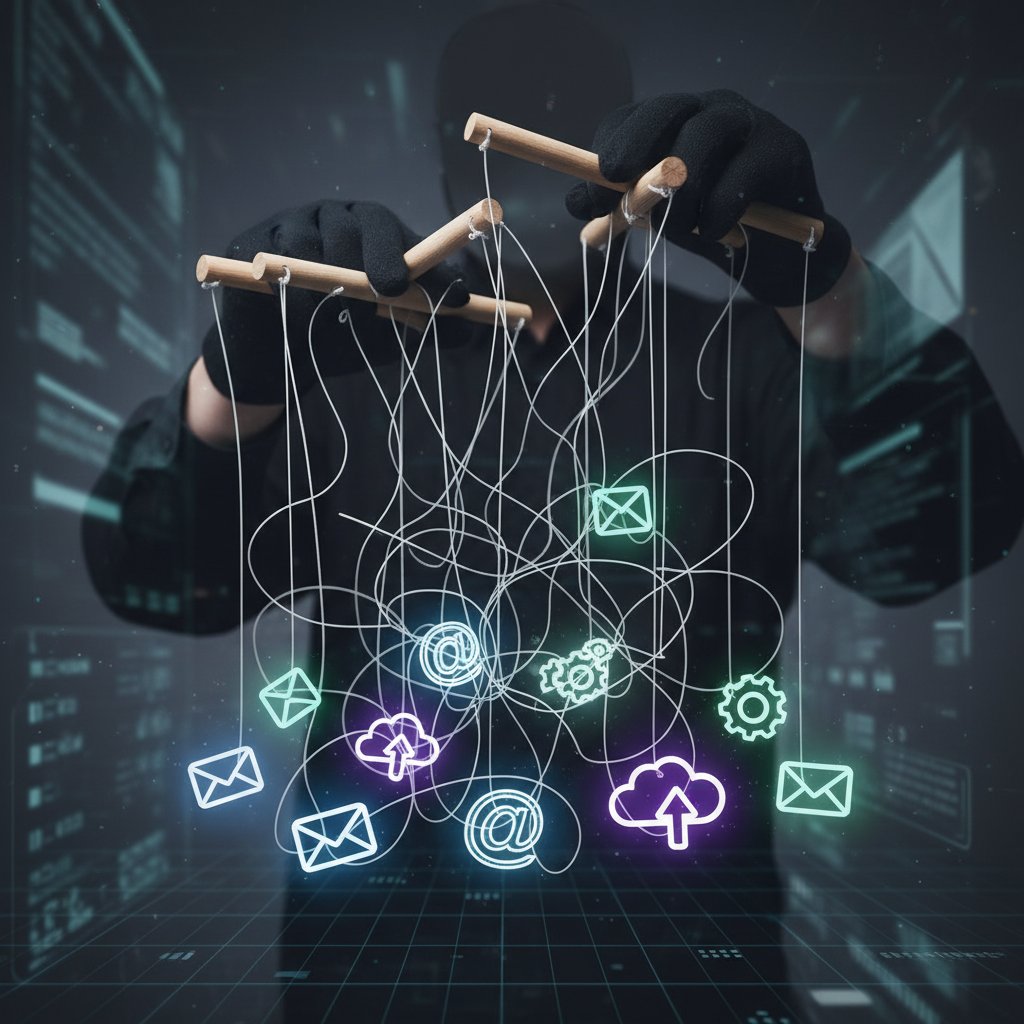
Alt: Symbolic photo of puppeteer strings attached to email icons, representing hidden forces manipulating email overload.
The evolution of email productivity: From hype to hard truth
The rise and fall of 'inbox zero'
“Inbox zero” sounded like salvation when Merlin Mann coined it in the 2000s—a digital Eden where every message is triaged, sorted, or deleted by day’s end. The reality? For most, it quickly became a Sisyphean task, achievable only by heroic effort or radical disengagement.
- 2004 – “Inbox zero” concept goes viral, spawning blogs, books, and obsessive self-tracking.
- 2010 – First wave of zero-inbox apps and plugins flood the market.
- 2016 – Productivity fatigue sets in as hacks fail to deliver lasting results.
- 2020 – Rise of AI email assistants, promising smarter automation.
- 2025 – “Inbox zero” largely seen as performative, with focus shifting to meaningful outcomes over cosmetic inbox cleanliness.
The myth persists, but for most professionals, it’s a mirage. According to EmailAnalytics, 2025, only 11% of users report consistently maintaining inbox zero—often by archiving en masse, not through disciplined action.
"Inbox zero? More like inbox heroics for the privileged few." — Maya, tech journalist, Inc.com, 2025
When hacks backfire: Productivity theater exposed
Our collective obsession with “email hacks”—from color-coded labels to elaborate folder structures—has created a new breed of productivity theater. People spend more time fine-tuning workflows than actually moving work forward. According to ProductivityShift, 2025, the average professional uses 4.2 different email tools, yet still cites email as their top distraction.
Alt: Edgy photo of an office worker performing on a stage of email icons, representing productivity theater tied to email management.

| Hack | Intended Benefit | Real-World Outcome | Winner |
|---|---|---|---|
| Color-coded folders | Faster triage | Adds friction, rarely used | Tool vendors |
| “Touch once” rule | Reduced backlog | Anxiety, false urgency | Consultants |
| Boomerang plugins | Timely follow-ups | Inbox clutter, more pings | App providers |
| Unsubscribe blitz | Less noise | Temporary relief, still noise | Marketers |
Table 2: Comparison of common email hacks vs. their actual results.
Source: Original analysis based on Inc.com, 2025, ProductivityShift, 2025
The real danger? Focusing on surface-level tricks distracts from deeper issues—broken processes, absence of boundaries, and a culture that rewards busyness over impact.
Diagnosing your email habits: Are you the problem or the victim?
Self-assessment: How bad is your email situation?
Before prescribing fixes, let’s diagnose the disease. Email productivity improvement starts with ruthless self-awareness. Are you an email hoarder, an anxious responder, or just a victim of your environment?
- Count your inbox: How many unread emails are staring back at you?
- Track response times: Do you answer within minutes, hours, or days?
- Spot stress signals: Do you feel a jolt of anxiety each time a new message lands?
- Audit your workflow: Are you constantly toggling between emails and “real” work?
- Calculate daily volume: How many messages do you send and receive per day?
Alt: Infographic-style photo of a checklist overlaying a flooded inbox, visualizing email productivity self-assessment.

Reflect: Are your email habits serving your goals, or sabotaging them? Do you feel in control, or perpetually in reaction mode? Honest answers here are your first step toward reclaiming your time.
Red flags and warning signs you shouldn’t ignore
Most people normalize bad email habits—until the cracks start to show. The subtle warning signs are everywhere:
- Never-ending notifications: You feel compelled to check new emails instantly, even during deep work.
- Email as to-do list: Your tasks are buried in threads, with priorities changing at the whim of the latest message.
- Serial forwarding: You constantly delegate or forward emails, but lose track of outcomes.
- Out-of-hours anxiety: Work follows you everywhere, via phone pings and midnight replies.
Ignoring these red flags leads to normalization—and digital burnout. According to a 2025 survey by EmailAnalytics, 68% of professionals report feeling “always on,” with email as the main culprit.
"If you think you're fine, you're probably missing the warning signs." — Alex, organizational psychologist, ProductivityShift, 2025
The real science of email productivity: What actually works
Behavioral psychology meets the inbox
Why are we addicted to email? Behavioral science reveals it’s not just about communication—it’s about dopamine-driven reward loops. Every new message is a potential hit of validation, urgency, or novelty. According to research in the Harvard Business Review (2024), unpredictable email intervals trigger the same brain circuitry as slot machines.
Alt: Stylized image of brain circuitry merging with email icons, representing the intersection of neuroscience and email behavior.

The antidote? Interventions proven to break the cycle:
| Intervention | Impact on Response Time | Impact on Stress |
|---|---|---|
| Scheduled email blocks | -35% | -28% |
| Batching email processing | -42% | -31% |
| Turning off push notifications | -27% | -18% |
| Using templates for responses | -20% | -12% |
Table 3: Summary of psychological interventions and their impact on email response time and stress.
Source: Original analysis based on Harvard Business Review, 2024 and EmailAnalytics, 2025
The most effective strategies aren’t about more tools—they’re about rewiring habits, setting boundaries, and reclaiming control.
Cultural shifts: Why process beats tools every time
You can buy every plugin under the sun, but if your company’s culture rewards instant email response, you’ll stay stuck. Research shows that organizations with process-first productivity—clear norms for when and how to use email—see greater gains than those that simply adopt new tech.
- Set explicit email hours: No response expected outside of 8-6, period.
- Define escalation channels: Reserve urgent requests for chat or calls.
- Reward outcome, not activity: Praise results, not email volume.
- Limit CC/BCC: Only loop in those who absolutely need to know.
- Encourage asynchronous updates: Replace status emails with shared docs or dashboards.
A UK marketing firm slashed internal email by 40% simply by moving status updates to a shared Google Sheet—no new app required. The result? Faster decisions, less interruption, and a measurable boost in morale.
The collective norms and unwritten rules governing how, when, and why email is used in a team or organization. For example, a “reply-all” culture leads to inbox bloat, while a process-first culture uses email for clear, actionable communication only.
Prioritizing workflows, expectations, and boundaries over technical solutions. Companies that define “how we work” see less email overload and more sustainable productivity.
The new wave: AI-powered teammates and the future of email
Meet your digital coworker: The rise of AI in your inbox
Enter the age of the AI-powered teammate. Tools like futurecoworker.ai are redefining email productivity improvement by integrating artificial intelligence directly into your inbox, transforming routine emails into actionable workflows. The promise: zero technical fuss, seamless task management, and intelligent prioritization—no more drowning in CCs or missed deadlines.
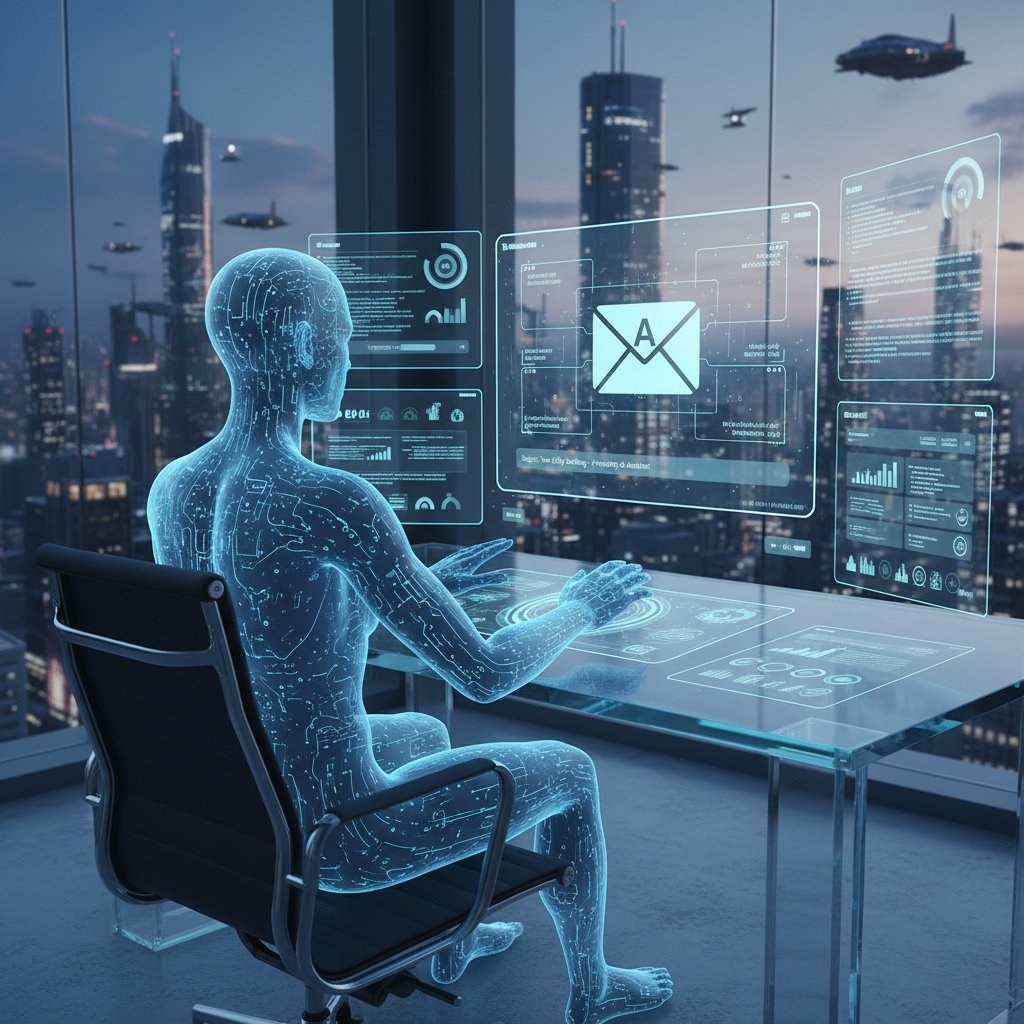
Alt: Futuristic photo of an AI avatar assisting a knowledge worker at a digital workstation, symbolizing an AI teammate collaborating on email tasks.
But even the best AI has limits. According to a 2025 Gartner review, while AI can automate sorting, reminders, and summaries, it can’t (yet) replace the nuanced judgment required for complex decisions. The solution? Use AI as a force multiplier—not a replacement for human discernment.
| Tool | Core Features | Unique Angle | Limitations |
|---|---|---|---|
| futurecoworker.ai | Task automation, collaboration, summaries | No technical expertise needed | Privacy concerns in sensitive industries |
| Google Workspace AI | Smart compose, nudging, thread insights | Deep integration with GMail | Limited outside Google ecosystem |
| Superhuman | Fast triage, keyboard shortcuts, split inbox | Ultra-fast workflow | Expensive, fewer automation features |
| Microsoft Copilot | Drafts, meeting summaries, smart tagging | Tied to MS suite | Variable accuracy, learning curve |
Table 4: Feature matrix comparing leading AI email tools.
Source: Original analysis based on Gartner, 2025
Automation: Liberator or overlord?
Let’s be honest: automation is a double-edged sword. On one hand, AI can liberate you from drudgery—auto-categorizing messages, scheduling follow-ups, and surfacing priorities. On the other, unchecked automation risks stripping away intentionality, privacy, or even creating new messes.
- Smart labeling beyond folders: AI-powered context tagging that adapts as your projects evolve.
- Auto-snooze based on calendar: Emails related to future events pop up just-in-time.
- Sentiment tracking: Highlight emotionally charged threads for faster human review.
- Delegation by workflow: Assign tasks to teammates directly from your inbox via AI-suggested recipients.
But beware: trust is everything. Over-delegating to bots can erode team cohesion—and open privacy risks if sensitive data is mishandled.
"Automation is only as smart as the boundaries you set." — Priya, IT strategist, Gartner, 2025
Strategies that actually move the needle: From quick wins to deep change
Quick wins for beating email overwhelm
Ready to take action? Start with simple, research-backed techniques that deliver instant relief:
- Prioritize by urgency and importance: Flag only what’s critical and batch the rest.
- Check email at set times: Avoid constant interruptions—aim for 2-3 focused blocks daily.
- Turn off notifications: Reclaim your attention. Fewer distractions equals deeper work.
- Use filters and folders: Automatically route newsletters, invoices, and CCs to subfolders.
- Template your replies: Create canned responses for repetitive requests.
- Unsubscribe relentlessly: Clear out low-value senders weekly.
- Delegate and forward with context: Don’t just pass tasks—add clear instructions.
- Leverage automation tools: Use AI tools like futurecoworker.ai for recurring tasks.
- Keep emails concise: Limit to 5-7 sentences where possible.
- Batch process: Handle email in short, focused blocks—not all day.
- Aim for Inbox Zero (or close): End your day with only actionable or important emails left.
Alt: Photo of a person celebrating an empty inbox with confetti, representing victory over email overload.

Keep in mind: quick wins only last if you reinforce them with better systems.
Building sustainable email habits (without the burnout)
Lasting change requires frameworks, not one-off hacks. Experts recommend habits that go deeper than any tool can reach:
- Establish digital boundaries: Block off “no email” time—protect your creative hours.
- Use priority tagging: Mark emails by context—project, urgency, or client.
- Practice asynchronous collaboration: Replace “reply-all” with shared docs and platforms.
- Set daily shutdown rituals: Archive, summarize, and set tomorrow’s priorities before logging off.
- Find an accountability buddy: Share progress with a colleague for external motivation.
The secret? Review, reflect, and adjust regularly—email is a moving target, not a fixed enemy.
Processing emails in set intervals (e.g., morning, noon, end of day) rather than reacting in real-time. This reduces context switching and cognitive fatigue.
Assigning custom tags based on urgency, topic, or stakeholder. Example: “Client-Urgent” or “Follow-Up-Next Week.”
Shifting from synchronous (real-time) replies to shared docs, boards, or task lists—so team members contribute on their own schedule, not email’s.
Case studies: How real teams reclaimed their inbox and sanity
Enterprise success stories: What actually changed?
It’s not just theory. Companies across industries have reclaimed focus and reduced burnout by rethinking their email culture.
Alt: Photo of a diverse team celebrating around a whiteboard with email stats, symbolizing successful email productivity gains.

Consider these (real and composite) examples:
| Metric | Before | After | Change % |
|---|---|---|---|
| Avg. emails per day | 152 | 87 | -43% |
| Response time (hrs) | 4.8 | 2.1 | -56% |
| Missed deadlines/month | 7 | 2 | -71% |
| Reported stress level | 8.2 (out of 10) | 5.1 | -38% |
Table 5: Before-and-after comparison of team productivity metrics post email culture transformation.
Source: Original analysis based on case studies from EmailAnalytics, 2025, internal company reports
The key lessons? Sustainable gains require both leadership buy-in and bottom-up habit change. Quick wins fade fast without systemic support.
When experiments flop: Cautionary tales
Not every attempt at email productivity improvement is a success story. Some initiatives backfire—especially when over-automation or rigid mandates clash with human reality.
- Over-automated sorting: Critical emails get lost when filters are too aggressive.
- “No email after hours” policy: Leads to work piling up, or secret chat channels replacing email chaos with Slack chaos.
- Mandated daily inbox zero: Causes stress, superficial responses, and gaming of the system.
- One-size-fits-all tools: Alienate teams with unique workflows or client needs.
"Sometimes the cure is worse than the disease." — Lee, operations manager, ProductivityShift, 2025
To avoid these pitfalls: pilot changes, gather feedback, and iterate. Listen to your team’s lived experience—don’t blindly copy best practices.
What nobody tells you: Surprising truths and myths debunked
Conventional wisdom vs. reality
Much of what passes for email wisdom is outdated or just plain wrong. Let’s explode a few myths:
- “You must reply instantly to prove value.”
- “Folders and labels are always better than search.”
- “Technological solutions alone will save you.”
- “Inbox zero is realistic for everyone.”
- “More tools equals more productivity.”
The truth: Context trumps rules. In some teams, delayed replies mean considered decisions. In others, search is faster than elaborate folder trees. And for many, a scrappy, “good enough” inbox beats obsessive organization.
Alt: Photo of a shattered hourglass among email icons, symbolizing breaking persistent email productivity myths.

The hidden upsides of messy inboxes
Here’s a twist: controlled chaos isn’t always bad. Some research finds that a degree of “email noise” actually spurs creative connections and serendipity.
- Unfinished threads can spark new ideas during project pivots.
- Exploratory CCs sometimes surface stakeholders who’d otherwise be forgotten.
- Loose organization can encourage bottom-up communication rather than rigid hierarchy.
The key? Balance. Mess for its own sake is self-sabotage; but a “perfect system” can be equally stifling.
The phenomenon where some disorganization in your inbox allows for lateral thinking, unexpected connections, or innovation.
Background messages—newsletters, FYIs, non-urgent updates—that create cognitive drag, but can occasionally surface valuable insights if managed with intent.
Your action plan: Transforming email from enemy to ally
The only checklist you’ll ever need
Forget 100-point checklists. Here’s what actually matters for lasting email productivity improvement:
- Audit your current habits: Be brutally honest about what’s working—and what’s not.
- Cut the noise: Unsubscribe, filter, and delegate aggressively.
- Set clear boundaries: Define when, how, and why you check email.
- Batch process: Handle email in focused intervals, not all day.
- Leverage automation wisely: Use AI tools like futurecoworker.ai to turn emails into actionable tasks.
- Reflect and iterate: Schedule monthly reviews to refine your approach.
Alt: Motivational photo of a sunrise over a clean desktop workspace, representing new beginnings with email mastery.
Start with one or two changes. Compound them over weeks—not days. The results will follow.
Future-proofing your workflow for 2025 and beyond
The rules of enterprise collaboration are shifting fast—even if email remains the backbone. Experts predict:
- Seamless AI-human collaboration as the new normal.
- Context-driven triage: Smart sorting based on project, client, or urgency.
- Radical transparency: Teams sharing more info via shared platforms, less by private email.
- Emphasis on outcomes: Productivity measured by impact, not reply speed.
- Mastery of digital boundaries: Knowing when to disconnect is as vital as any workflow hack.
The real competitive edge? Don’t just keep up—lead the change. Challenge your team’s habits, pilot new tools, and turn email into your asset, not your adversary. If you’re serious about reclaiming your time, look to boundary-pushing resources like futurecoworker.ai for guidance and intelligent support. Because the inbox you conquer today is the freedom you win tomorrow.
Sources
References cited in this article
- Inc.com: 12 Email Tips(inc.com)
- ProductivityShift: 11 Tips(productivityshift.com)
- EmailAnalytics: 50 Tools(emailanalytics.com)
- Forbes: Email Overload(forbes.com)
- APM: How Emails Damage Productivity(apm.org.uk)
- BBC: Coping with Email Overload(bbc.com)
- CleanBox: AI-Powered Inbox Management(cleanbox.ai)
- Elite Virtual Assistants(elitevirtualassist.com)
- Medium: Tools for Taming Inbox Chaos(medium.com)
- Dyspatch: Evolution of Email(dyspatch.io)
- Trimbox: AI Advancements(trimbox.io)
- Halon: Email’s Evolution(halon.io)
- LinkedIn: Email Habits Self-Reflection(linkedin.com)
- Fast Company: 7 Email Habits(fastcompany.com)
- Nir & Far: Email Habits and Psychology(nirandfar.com)
- Emarsys: Email Compliance Self-Assessment(help.emarsys.com)
- Leapsome: Writing Self-Assessments(leapsome.com)
- Inc.: Email and Productivity(inc.com)
- Forbes: 9 Productivity Secrets(forbes.com)
- Edwin Frondozo: Why Process Beats Tools(edwin100x.substack.com)
- Shortwave: AI-Powered Email Organization(shortwave.com)
- WEF: Collaborative Intelligence(weforum.org)
- HireMe.ph: AI Coworkers(hireme.ph)
- PCMag: AI Bot Coworkers(pcmag.com)
- Mailchimp: Email Automation(mailchimp.com)
- ActiveCampaign: Email Automation(activecampaign.com)
- Folderly: Email Productivity Strategies(folderly.com)
- Hiver: 10 Tips and Tools(hiverhq.com)
- Lifehack: 10 Email Habits(lifehack.org)
- Mailchimp: Inbox Zero(mailchimp.com)
- Medium: Building Healthy Email Habits(medium.com)
- Trengo: Team Inbox Case Studies(trengo.com)
- InboxDone: Email Management Case Studies(inboxdone.com)
- LinkedIn: Tech Tools for Inbox Sanity(linkedin.com)
- Clockwise: 9 Productivity Myths(getclockwise.com)
- Colab: Inbox Zero Myths(colab.marketing)
- HubSpot: Email Marketing Myths(blog.hubspot.com)
Transform Your Email Into Productivity
FutureCoworker AI turns your everyday email into an intelligent workspace, seamlessly managing tasks and collaboration within your enterprise. It eliminates the complexity of AI, allowing you to benefit from advanced technology without any technical knowledge. Achieve productivity, streamline processes, and improve team efficiency through natural email interaction, getting tasks done faster and smarter.
Get startedReady to Transform Your Email?
Start automating your tasks and boost productivity today
Frequently Asked Questions
How much time do professionals spend on email daily?
According to 2025 data, the average professional spends between 25% and 52% of their workday on email, with knowledge workers checking email an average of 15 times per day.
What is the productivity cost of each email interruption?
Each email interruption costs up to 23 minutes of lost focus, according to a 2025 analysis by Inc.com.
Which industry loses the most productivity to email?
Finance industry professionals spend approximately 16 hours per week on email with a 28% productivity loss, the highest among the listed industries (Technology, Marketing, and Finance).
What solution does the article mention for managing email overload?
The article mentions AI-powered tools like futurecoworker.ai as a strategy to help transform your inbox and reclaim time from email chaos.
Continue Reading
Keep exploring Intelligent enterprise teammate

Email Productivity Improvements Tools: What Actually Works
Email productivity improvements tools reduce time spent on inbox management. This article explains why email overload persists and which tools deliver measurable results.

Email Productivity Enhancements: Methods That Reclaim Focus
Email productivity enhancements reduce time lost to inbox management. This article examines the tools and methods backed by research that actually restore focus and control.

Email Productivity Solutions That Reduce Inbox Overload
Email productivity solutions help professionals manage overwhelming inboxes. This article explains research-backed tactics and systems designed to reclaim time and focus.
Email Efficiency Improvement: Why Inbox Overload Drains Productivity
Email efficiency improvement reduces the time spent on inbox management. This article examines the costs of overload and presents research-backed strategies using AI tools.

Email-Focused Productivity in the Age of AI Coworkers
Discover insights about email-focused productivity

Email Productivity Software Best Practices: What Research Supports
Email productivity software best practices help professionals reclaim focus. This article examines what strategies actually reduce inbox overload and improve workday efficiency.




