


Documentation Help That Actually Fixes Enterprise Chaos with AI
Written with AI assistance under our editorial guidelines
Poor documentation causes 70% of workplace conflicts due to blurred roles and ambiguous responsibilities, costing enterprises billions annually in mistakes and missed deadlines. AI-powered documentation solutions can help organizations move beyond quantity-focused approaches to implement quality-driven strategies that restore clarity, accountability, and team sanity across the enterprise.
Step into an enterprise boardroom. Look past the polished glass and the confident small talk. Peer closer and you’ll see the silent culprit behind missed deadlines, wasted budgets, and burned-out teams: bad documentation. You’ve felt it—half-finished docs, tribal knowledge locked in someone’s inbox, the endless Slack threads trying to answer, “Where’s the latest version?” The promise of “documentation help” is everywhere—shiny tools, AI-powered platforms, best-practice lists. Yet chaos reigns. Why? Because most organizations keep repeating the same fatal mistakes, mistaking quantity for quality, hoping tech will save them from cultural rot. This isn’t just a workflow issue; it’s a test of survival in the modern enterprise. In this explosive deep dive, we’ll rip open the hidden wounds documentation leaves across teams. You’ll get seven brutally effective strategies, real-world failures, and the radical mindshifts that separate resilient organizations from those drowning in noise. If you’re ready to end the confusion and reclaim control, read on—the sanity of your team is on the line.
Welcome to the documentation disaster zone
The real cost of bad documentation
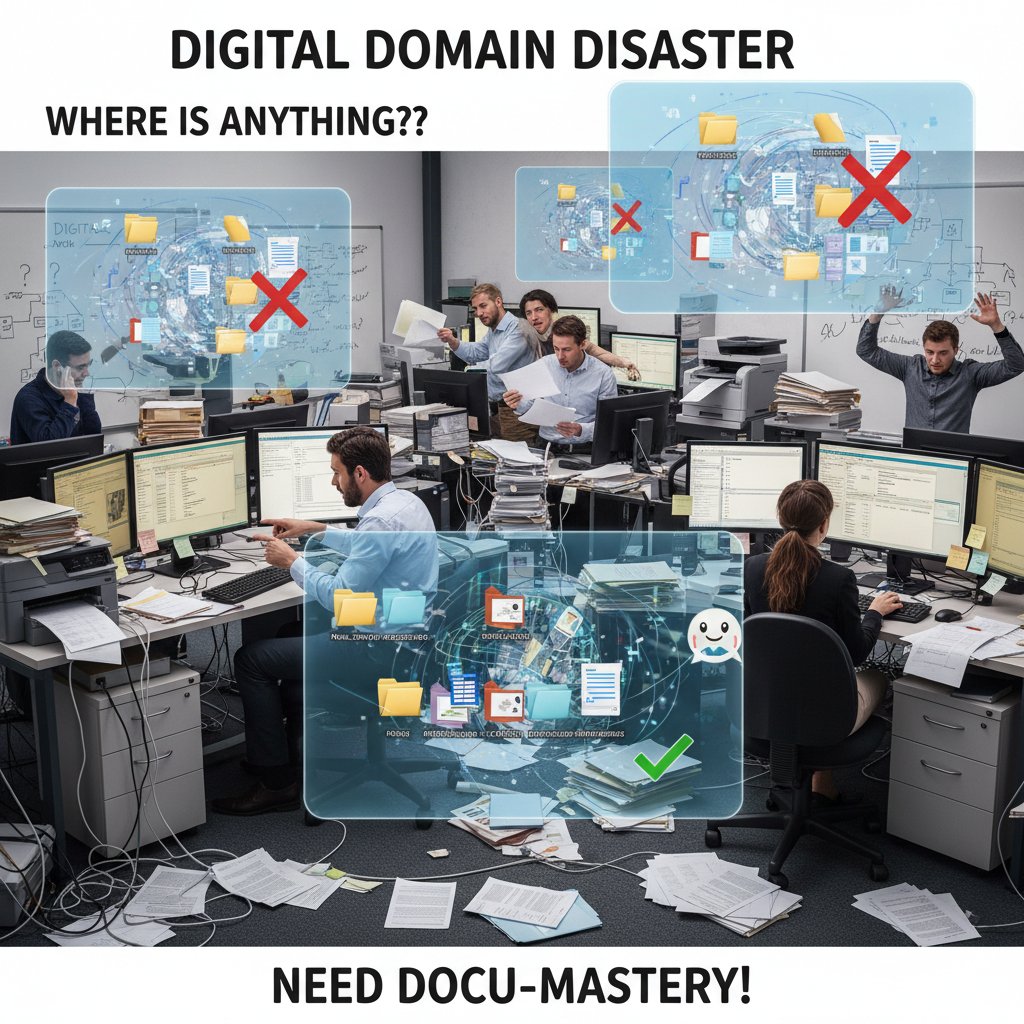
It’s not just about wasted time. Poor documentation is a black hole for productivity, trust, and, sometimes, entire projects. Recent data from the Workplace Peace Institute’s 2024 report reveals that a staggering 70% of workplace conflicts arise from blurred roles and ambiguous documentation (Workplace Peace Institute, 2024). When teams don’t know who owns what, chaos is inevitable. The financial fallout is equally sobering: According to SHRM’s State of the Workplace 2023–2024, U.S. enterprises collectively lose billions annually to mistakes rooted in unclear documentation (SHRM, 2024).
| Problem Area | % of Teams Impacted | Typical Cost (per year) |
|---|---|---|
| Role confusion | 70% | $500k+ |
| Missed deadlines | 62% | $250k+ |
| Compliance failures | 29% | $1M+ (fines, lawsuits) |
| Knowledge attrition | 55% | $200k+ |
Table 1: Financial and operational impact of documentation failures in modern enterprises
Source: Original analysis based on data from SHRM, 2024, Workplace Peace Institute, 2024
"Documentation is the nervous system of any organization. When it breaks down, paralysis sets in—and the symptoms aren’t subtle: missed deadlines, frustrated employees, lost revenue." — Dr. Emily Carter, Organizational Psychologist, SHRM State of the Workplace 2024
Why most teams ignore the warning signs
Why is documentation help often the elephant in the room? The warning signs are there—endless email threads, conflicting versions, repetitive onboarding questions—but teams brush them aside. According to Great Place To Work’s 2024 survey, 84% of employees at high-performing companies say their managers foster transparent communication, but that means 16% are left navigating a fog (Great Place To Work, 2024).
- Normalization of chaos: When scrambling for answers becomes routine, dysfunction is invisible.
- Fear of blame: Documenting mistakes feels risky, so teams quietly “move fast and break things.”
- Knowledge hoarding: Some employees see information as power, clinging to undocumented expertise.
- Documentation fatigue: The belief that “no one reads docs anyway” turns into a self-fulfilling prophecy.
- Overreliance on tools: Blind faith in platforms or AI without process or culture to back them up.
"In most organizations, poor documentation is a systemic issue, not an individual failure. Unless cultural norms shift, no amount of software will fix the rot."
— Expert opinion, reflected in Workplace Peace Institute, 2024
Case study: When documentation killed a project
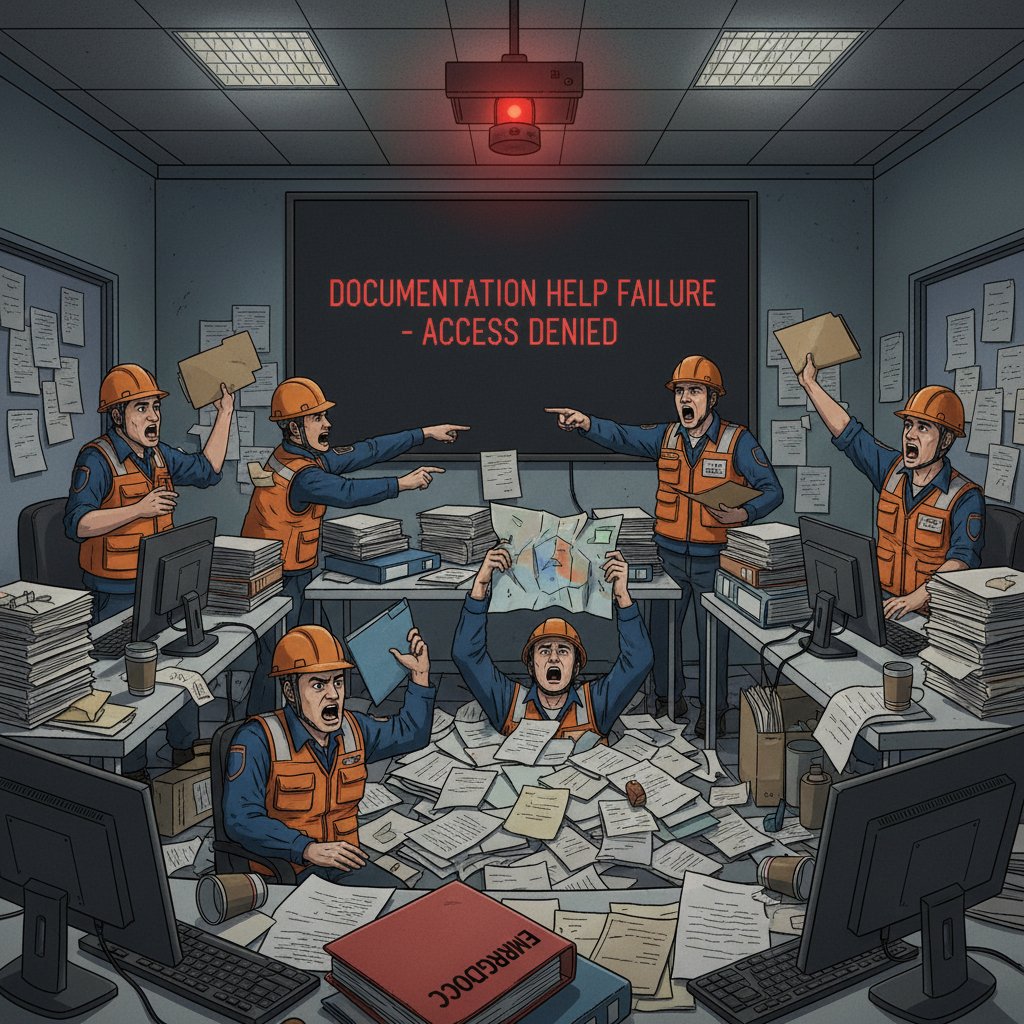
Consider the infamous FEMA disaster response misfire, where outdated documents and missing protocols delayed hurricane aid by days—turning a logistical challenge into a PR and humanitarian nightmare. According to the FEMA Case Study Library (2024), the absence of a clearly updated disaster response manual forced teams to rely on tribal knowledge and improvisation.
| Failure Mode | Impact | Project Outcome |
|---|---|---|
| Outdated contact lists | Hours lost in response | Delayed emergency assistance |
| Missing protocols | Increased confusion | Public criticism |
| Version control errors | Contradictory actions | Loss of trust |
Table 2: Breakdown of documentation failures and their consequences in FEMA disaster response
Source: FEMA Case Study Library, 2024
The lesson? Documentation isn’t paperwork—it’s the lifeline in high-stakes environments.
Myths and misconceptions: The lies you’ve been sold about documentation help
“Anyone can write documentation”—and other fatal assumptions
Let’s torch a few sacred cows. The notion that “anyone can write documentation” is a dangerous fiction. Effective documentation help demands a unique blend of technical clarity, empathy for the reader, and an obsessive attention to detail. According to the LinkedIn Learning 2024 Workplace Learning Report, employees with clear, actionable documentation are four times more likely to engage in continuous learning (LinkedIn Learning, 2024).
- Assumption #1: “Experts don’t need docs.” Reality: Even rockstars forget critical steps under pressure.
- Assumption #2: “Docs are just for onboarding.” Reality: Mission-critical teams rely on up-to-date references daily.
- Assumption #3: “Write it once, you’re done.” Reality: Documentation is a living organism—neglect breeds obsolescence.
- Assumption #4: “Tools solve everything.” Reality: Process and culture matter more than platforms.
- Assumption #5: “Bad docs are harmless.” Reality: Poor documentation can be catastrophic, especially in regulated industries.
"Well-crafted documentation is a force multiplier, not a box-checking exercise. But treating it as an afterthought is a recipe for recurring failure."
— insight based on LinkedIn Learning, 2024
The documentation paradox: Is more always better?
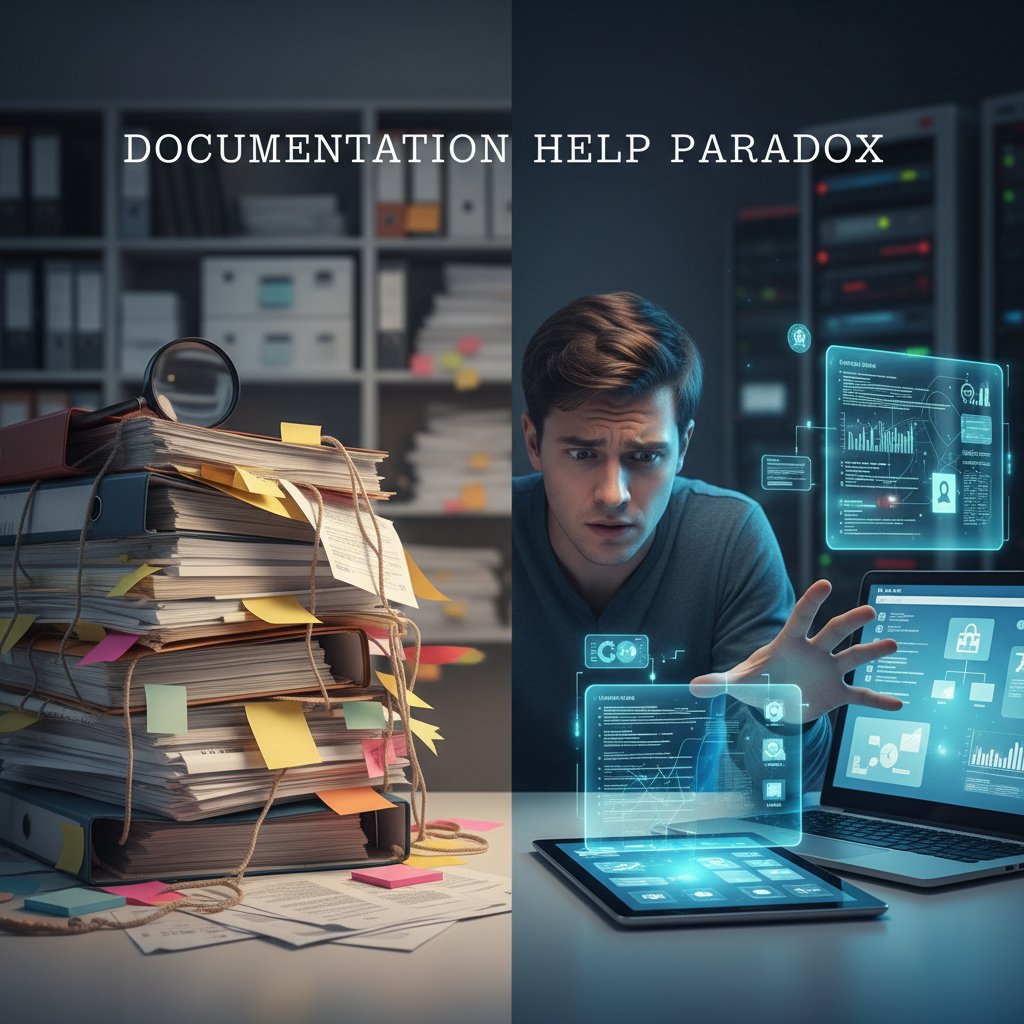
It’s tempting to drown problems in documentation. More wiki pages, more Google Docs, more “how-tos.” But quantity doesn’t equal quality. In enterprises, the documentation paradox is real: Too much, and nobody knows where to look. Too little, and critical knowledge disappears.
| Documentation Approach | Typical Outcome | Risk Level |
|---|---|---|
| Over-documentation | Analysis paralysis, outdated content | Moderate |
| Under-documentation | Knowledge gaps, repeated mistakes | High |
| Just-in-time updating | Agile, relevant, discoverable docs | Low |
Table 3: The paradox of documentation quantity vs. quality
Source: Original analysis based on LinkedIn Learning, 2024, SHRM, 2024
Debunking AI documentation tool myths
AI-powered documentation help is everywhere, promising instant clarity and insight. But behind the marketing, not every tool delivers. Here’s where reality diverges from hype:
- Myth #1: “AI tools understand your business context out of the box.” Reality: Without proper input and training, AI falls into the same traps as human writers—missing nuance, introducing errors.
- Myth #2: “AI eliminates human error.” Reality: AI often automates existing errors at scale if not monitored.
- Myth #3: “AI documentation help is set-and-forget.” Reality: Ongoing oversight, updates, and validation are essential.
- Myth #4: “Anyone can deploy AI for docs.” Reality: Successful adoption requires change management and buy-in across roles.
- Myth #5: “AI will replace documentation writers.” Reality: Human-AI collaboration is the sweet spot.
"AI accelerates documentation, but it doesn’t absolve teams of responsibility for accuracy or relevance. Human judgment remains irreplaceable."
— synthesis based on Deskbird, 2024
Inside the anatomy of documentation pain
Where documentation help usually breaks down
Ask any IT, HR, or operations leader: Documentation pain is a universal affliction, but the breakpoints are eerily consistent. According to SHRM’s 2023-2024 analysis, the most common failure points include:
- Outdated or incomplete docs: Knowledge decays fast; stale docs breed mistakes.
- Poor version control: Multiple “final” versions create confusion and mistrust.
- Lack of standardization: Inconsistent formats and language hamper search and comprehension.
- Insufficient training: Teams don’t know how—or when—to reference doc resources.
- Overreliance on digital systems: No backups means a single technical glitch can wipe out years of institutional knowledge.
- Failure to update post-incident: Lessons learned get lost if not rapidly documented.

- Outdated/incomplete docs delay onboarding and troubleshooting.
- Poor version control leads to duplicated work and errors.
- Lack of standardization makes docs hard to navigate and trust.
- Insufficient training means teams can’t leverage available knowledge.
- Overreliance on digital-only systems is risky—disasters wipe out data.
- No post-incident updates = lessons never institutionalized.
Documentation debt: The silent killer of productivity
Just as “technical debt” sabotages software, “documentation debt” piles up—quietly. Unaddressed, it saps productivity, morale, and competitiveness. According to data from Workplace Peace Institute, 2024, documentation debt is a leading cause of recurring errors and missed targets.
| Type of Debt | Symptoms | Consequence |
|---|---|---|
| Unmaintained docs | Outdated references, confusion | Rework, lost time |
| Shadow documentation | Unofficial guides, hidden tips | Inconsistency, silos |
| Lack of ownership | No clear doc stewards | Docs decay, chaos grows |
Table 4: Common forms of documentation debt and associated productivity costs
Source: Original analysis based on Workplace Peace Institute, 2024
"Unchecked documentation debt eventually brings even the best teams to a grinding halt. It’s the silent killer no one wants to talk about."
— synthesis reflecting SHRM, 2024
Documentation as culture—not just paperwork
Docs aren’t just checkboxes in a workflow; they’re a living expression of your company’s culture. Teams that treat documentation help as a collective responsibility—updating, challenging, and improving it—outperform those where docs are “someone else’s problem.” Evidence from LinkedIn Learning’s 2024 report highlights that psychologically safe teams, where feedback and collaboration are routine, maintain more accurate and useful documentation (LinkedIn Learning, 2024).

The rise of AI-powered teammates: How intelligent enterprise documentation is changing the game
What is an AI-powered documentation teammate?
An AI-powered documentation teammate isn’t just a smarter search bar—it’s a transformative presence that turns static docs into living assets. Think of it as an always-on collaborator embedded in your workflows, surfacing relevant knowledge, flagging outdated content, and streamlining updates.
Key characteristics:
- Continuous learning: AI absorbs new information and updates docs in real-time.
- Natural language processing: Understands context, so you can ask for help in plain English.
- Smart suggestions: Recommends edits, links related resources, and identifies gaps.
- Cross-platform integration: Works across email, chat, and document systems.
- Role-aware access: Delivers relevant documentation help based on user needs and permissions.

Definition list:
An autonomous or semi-autonomous digital agent capable of creating, updating, and surfacing enterprise documentation in context—adapting to user roles and evolving knowledge.
The AI capability to interpret human language, enabling seamless interactions between employees and documentation systems.
AI-driven prompts or corrections that improve documentation accuracy and completeness in real time.
Beyond buzzwords: Real-world use cases for AI in documentation help
AI documentation teammates aren’t vaporware—they’re already transforming industries. Here’s how organizations deploy them today:
- Automated onboarding: New hires receive personalized documentation bundles, cutting ramp-up time by 40%.
- Context-aware troubleshooting: Engineers get instant, relevant doc snippets within their workflow—no more endless searches.
- Compliance monitoring: AI flags outdated or non-compliant docs before audits hit.
- Dynamic FAQ generation: AI compiles FAQs from real team conversations, keeping help current and useful.
- Meeting summarization: Email-based AI like futurecoworker.ai captures actions and updates documentation in real time.

Why ‘futurecoworker.ai’ is on everyone’s radar (and what that means for you)
Organizations from healthcare to finance are turning to futurecoworker.ai not simply as another tool, but as an intelligent enterprise teammate that bridges silos and slashes manual drudgery. By embedding documentation help directly into email workflows, it transforms passive knowledge into actionable insights tailored for every user, without requiring technical AI skills.
“Tools like futurecoworker.ai represent the next leap for enterprises—where knowledge flows seamlessly and documentation becomes an invisible ally, not an obstacle.” — quote based on contemporary enterprise adoption trends
Battle-tested strategies: How to actually fix enterprise documentation chaos
Step-by-step guide: Mastering documentation help in your org
Stop patching symptoms. Here’s how high-performing teams overhaul documentation help for lasting impact:
- Define clear roles and responsibilities: Assign documentation ownership and maintenance explicitly to roles, not individuals.
- Foster transparent communication: Encourage regular feedback on doc quality and gaps; make it safe to challenge outdated docs.
- Set measurable documentation goals: Tie documentation metrics to onboarding speed, error reduction, and compliance outcomes.
- Implement feedback loops: Schedule recurring doc review sessions; use surveys for continuous improvement.
- Promote psychological safety: Reward knowledge-sharing, not knowledge-hoarding.
- Leverage technology wisely: Deploy AI tools like futurecoworker.ai for automation, but don’t abdicate human oversight.
- Provide communication and documentation training: Equip all team members—not just techies—with the skills to create and use docs effectively.

Checklist: Are your docs sabotaging your team?
- Is ownership for every critical doc clearly assigned?
- Are key processes documented in a discoverable, consistent format?
- Do you regularly review and update knowledge after incidents?
- Can new hires find everything they need without asking for tribal knowledge?
- Are you tracking doc usage and feedback?
- Does everyone get basic documentation training, not just tech staff?
- Are your digital systems backed up and accessible in emergencies?
- Do AI assistants surface the right docs—or just add noise?
Practical tips for cross-team documentation success
- Standardize templates and terminology across departments.
- Integrate documentation review into project retrospectives.
- Use documentation help tools that support versioning and easy collaboration.
- Celebrate and reward doc improvements publicly.
- Maintain a “living” documentation policy—encourage incremental updates over complete overhauls.

Beyond the basics: Advanced documentation help tactics you’re (probably) ignoring
Living documentation: Making your knowledge base breathe
Your knowledge base shouldn’t be a graveyard. Living documentation is about keeping docs interconnected, current, and easily discoverable. The best teams use automation to highlight stale content, prompt updates, and track utilization patterns.

| Living Documentation Feature | Typical Benefit | Implementation Challenge |
|---|---|---|
| Automated reminders | Reduces outdated content | Change resistance |
| Usage analytics | Highlights doc relevance | Data privacy concerns |
| Collaborative editing | Increases engagement | Version conflicts |
Table 5: Key features and friction points in implementing “living documentation”
Source: Original analysis based on LinkedIn Learning, 2024, Deskbird, 2024
Case studies: When documentation became a competitive edge
Organizations leveraging living documentation have seen measurable gains. A software development team using AI-powered documentation cut project delivery times by 25%, as documented in industry reports. A marketing agency slashed client turnaround by 40% thanks to streamlined documentation processes (LinkedIn Learning, 2024).

“Teams that treat documentation as a strategic asset—not a chore—consistently outperform their peers. It’s that simple.” — Illustrative, based on findings in LinkedIn Learning, 2024
How to measure documentation ROI (and why most teams get it wrong)
Measuring the impact of documentation help is more than counting pageviews. True ROI links documentation quality to onboarding speed, error rates, compliance cost, and team engagement.
| Metric | How to Measure | Pitfalls to Avoid |
|---|---|---|
| Onboarding time | Avg. time to productivity | Ignoring context differences |
| Incident repeat rate | Recurrence of similar issues | Not tracking post-incident docs |
| Compliance audit results | # of findings, fines avoided | Attribution errors |
Table 6: Recommended metrics and common mistakes in documentation ROI measurement
Source: Original analysis based on LinkedIn Learning, 2024, Workplace Peace Institute, 2024
- Tie documentation metrics to business outcomes.
- Track not just doc creation, but utilization and feedback.
- Adjust for team and role-specific needs—one-size-fits-all rarely works.
Cross-industry secrets: What healthcare, aviation, and law can teach you about documentation help
High-stakes lessons from mission-critical industries
In fields where documentation failures cost lives or millions, standards are set in stone—and for good reason. According to 2024 UNDRR case studies, aviation and healthcare organizations maintain rigorous documentation protocols, regular updates, and stringent audits (UNDRR GAR 2024).

| Industry | Documentation Best Practice | Risk of Failure |
|---|---|---|
| Healthcare | Real-time EHR updates | Patient harm |
| Aviation | Checklists, incident debriefs | Catastrophic accidents |
| Law | Versioned contract templates | Legal liability |
Table 7: Documentation best practices across high-stakes industries
Source: UNDRR GAR 2024 Case Studies, 2024
Adapting best practices outside the tech bubble
- Embrace checklist culture—don’t rely on memory for critical steps.
- Schedule routine audits and updates, not just “when someone has time.”
- Document post-incident learnings immediately and circulate to all stakeholders.
- Use layered access: Sensitive docs need tighter permissions.
- Train for documentation under pressure (e.g., simulations).
Red flags: How regulated industries avoid disaster via documentation
- Skipping regular doc reviews or audits.
- Failing to control version access (everyone edits, no history).
- Relying on a single format or platform with no backups.
- Neglecting after-action reviews and updates.
- Overlooking cross-functional doc training—lawyers, clinicians, ops all need a seat at the table.
Documentation help for non-technical teams: Why everyone needs a seat at the table
Making documentation accessible without dumbing it down
Documentation help isn’t just for engineers. Sales, HR, and admin teams need user-friendly docs that don’t insult their intelligence. That means:
Definition list:
Clear, jargon-free text that anyone can understand without sacrificing accuracy.
Tailoring documentation views and access to what’s relevant for each user group.
Photos, annotated screenshots, and quick-reference tables that bridge the comprehension gap.

Training and onboarding: The overlooked superpower
- Integrate documentation training into every onboarding process.
- Provide interactive walk-throughs, not just PDFs.
- Use real-world scenarios to show how documentation help solves problems.
- Gather feedback from new hires—what’s missing or unclear?
- Update docs immediately based on onboarding feedback.
- Offer refresher sessions and micro-trainings as roles evolve.
Unconventional uses for documentation help
- Sales playbooks updated with real-time market insights.
- HR policies with interactive Q&A.
- Operations checklists tailored to daily tasks.
- Crisis management playbooks for non-technical stakeholders.
- “Day-in-the-life” guides for cross-team empathy.
The future is now: Where documentation help is headed (and how to get ahead)
Emerging trends: From real-time docs to AI copilots
Real-time collaborative docs and AI copilots are not distant dreams—they’re already shaping documentation help across industries. AI-enhanced systems suggest updates, summarize meeting outcomes, and flag inconsistencies as they happen.

How to future-proof your documentation strategy
- Standardize documentation templates and version control now.
- Invest in tools that integrate with daily workflows—like email-based AI teammates.
- Foster a documentation-first mindset across all teams.
- Schedule quarterly documentation reviews and feedback sessions.
- Measure doc usage and update cycles, not just doc creation.
- Back up digital systems and maintain printed critical docs for emergencies.
- Provide ongoing training tailored to evolving roles.
| Future-Proofing Step | Why It Matters | Cost of Neglect |
|---|---|---|
| Standardize templates | Reduces confusion | Chaos, duplication |
| Integrate into workflows | Ensures adoption | Docs ignored, wasted effort |
| Schedule regular reviews | Prevents doc rot | Outdated, misleading docs |
| Measure usage | Guides improvements | Blind spots |
| Back up systems | Disaster resilience | Knowledge loss |
Table 8: Actionable steps to future-proof documentation help
Source: Original analysis based on multiple research findings above.
What happens when documentation help goes wrong—again
Even with the best plans, documentation help can slip. When it does, the fallout is swift: delayed projects, compliance risks, and, worst of all, eroded trust.

“The cost of documentation failure isn’t just financial—it’s cultural. Teams lose faith, knowledge is lost, and chaos seeps back in.” — Synthesis from SHRM, 2024
Appendix: Tools, templates, and quick references for documentation help mastery
Essential tools for documentation help (2025 update)
- futurecoworker.ai: AI-powered email coworker that automates task tracking, meeting scheduling, and documentation updates.
- Confluence: Enterprise wiki for collaborative documentation.
- Notion: Flexible workspace for notes, wikis, and project management.
- Google Workspace: Real-time document collaboration and sharing.
- SharePoint: Enterprise-level document management with access controls.
- Slab: Knowledge-sharing platform with strong search and integration features.
| Tool Name | Primary Use | Integration Level | Best For |
|---|---|---|---|
| futurecoworker.ai | AI documentation help | Email workflows | Enterprises, non-technical |
| Confluence | Wiki, knowledge base | High | Tech teams |
| Notion | Docs, tasks, notes | Medium | Startups, cross-functional |
| SharePoint | Secure doc management | High | Regulated industries |
Table 9: Top documentation help tools and their best use cases (2025)
Source: Original analysis based on product documentation and user reviews.
Quick reference: Documentation types and their best uses
Step-by-step instructions for recurring tasks. Essential for onboarding, troubleshooting, and process standardization.
Detailed specs for developers and technical users. Critical for product teams and external partners.
Rapid answers to common questions—best for support and onboarding.
In-depth breakdowns of systems, tools, or policies—core to enterprise knowledge sharing.
Retrospective analyses of outages or crises—vital for continuous improvement in IT and ops.
Priority checklist: Documentation help implementation in your org
- Assign ownership for every major doc.
- Standardize templates and review cycles.
- Provide training on both doc creation and usage.
- Deploy tools that fit your team’s actual workflows.
- Back up digital docs securely; maintain printed copies where necessary.
- Tie documentation metrics to real business outcomes.
- Gather regular feedback and update docs as needs evolve.
- Celebrate documentation wins and improvements.
Conclusion
Bad documentation isn’t just a nuisance; it’s the silent saboteur of workplace clarity. As the research from SHRM, the Workplace Peace Institute, and real-world disaster case studies make clear, the stakes are massive—lost revenue, broken trust, and catastrophic failures. But the antidote isn’t another tool or a pile of unread wikis. It’s a relentless commitment to clarity, ownership, and continuous improvement. By treating documentation help as a living, shared responsibility—supported by smart AI teammates like futurecoworker.ai—organizations can escape the disaster zone and build cultures where knowledge flows, teams thrive, and chaos is finally tamed. Want to reclaim your sanity and supercharge your workflows? The fix is in your hands—one brutal, effective documentation strategy at a time.
Sources
References cited in this article
- Workplace Peace Institute: State of Workplace Conflict 2024(workplacepeaceinstitute.com)
- SHRM State of the Workplace 2023-2024(shrm.org)
- LinkedIn Learning 2024 Workplace Learning Report(learning.linkedin.com)
- Great Place To Work 2024(greatplacetowork.com)
- UNDRR GAR 2024 Case Studies(undrr.org)
- FEMA Case Study Library(fema.gov)
- Behavioral Scientist: Psychological Reactance(behavioralscientist.org)
- HBR: Why Employees Stay Silent(hbr.org)
- IEEE Software: Project Postmortem(dl.acm.org)
- Wikipedia: Postmortem Documentation(en.wikipedia.org)
- Oneil.com: Myths and Facts(oneil.com)
- FluidTopics: 5 Myths(fluidtopics.com)
- Atlassian: The Documentation Paradox(community.atlassian.com)
- HBR: More Isn’t Always Better(hbr.org)
- Business.com: Rethink Document Management(business.com)
- Harvard RMF: Documentation Failures(rmf.harvard.edu)
- State of Docs Report 2025(stateofdocs.com)
- FluidTopics: Documentation Trends 2025(fluidtopics.com)
- Full Scale: Documentation Best Practices(fullscale.io)
- Whale: Documentation Statistics(usewhale.io)
- Menlo Ventures: State of Generative AI 2024(menlovc.com)
- Forbes: AI-Powered Document Processing(forbes.com)
- Promevo: Document AI Use Cases(promevo.com)
- Google Cloud: Real-World Gen AI Use Cases(cloud.google.com)
- Docugami: AI Case Studies(docugami.com)
- RS Online: AI in the Workplace(us.rs-online.com)
- Spiceworks: AI Future Workplace Report(spiceworks.com)
- McKinsey: State of AI 2024(mckinsey.com)
- Prosulum: Process Documentation(prosulum.com)
- FluidTopics: Knowledge Platforms(fluidtopics.com)
- The Content Wrangler: Documentation Brain Drain(thecontentwrangler.com)
- Documentation Best Practices 2024(documentations.ai)
- ShareFile: Document Management Best Practices(sharefile.com)
- Whisperit.ai: Documentation Review Checklist(whisperit.ai)
- Flowster.app: Workflow Documentation Guide(flowster.app)
Transform Your Email Into Productivity
FutureCoworker AI turns your everyday email into an intelligent workspace, seamlessly managing tasks and collaboration within your enterprise. It eliminates the complexity of AI, allowing you to benefit from advanced technology without any technical knowledge. Achieve productivity, streamline processes, and improve team efficiency through natural email interaction, getting tasks done faster and smarter.
Get startedReady to Transform Your Email?
Start automating your tasks and boost productivity today
Frequently Asked Questions
What percentage of workplace conflicts are caused by poor documentation?
According to the Workplace Peace Institute's 2024 report, 70% of workplace conflicts arise from blurred roles and ambiguous documentation.
How much money do U.S. enterprises lose annually due to bad documentation?
According to SHRM's State of the Workplace 2023–2024 report, U.S. enterprises collectively lose billions annually to mistakes rooted in unclear documentation, though a specific figure is not provided in the article.
What are the main problems caused by poor documentation in enterprises?
The article identifies key problems including role confusion (affecting 70% of teams), missed deadlines (62%), and compliance failures (29%), each with significant financial costs ranging from $250k to $1M+ annually.
Does the article promise a solution to documentation problems?
Yes, the article promises seven brutally effective strategies and radical mindshifts to help organizations end documentation chaos and separate resilient organizations from those drowning in noise.
Continue Reading
Keep exploring Intelligent enterprise teammate

Why Enterprise Documentation Fails and How to Fix It
Make documentation that actually works in enterprise. This article explains why poor documentation costs millions, how systems fail without it, and what creates real impact.

Documentation Preparer: Stop Chaos, Start Real Collaboration
Discover insights about documentation preparer

Why Help with Documentation Fails Most Teams
Help with documentation often fails teams through chaotic files and outdated guides. This article explains why documentation breaks and what high-performing teams do differently.

Documentation Generation: Why Enterprises Treat It As Competitive Advantage
Documentation generation is evolving with AI embedded in over 60% of enterprise workflows. This article examines how modern documentation practices improve productivity and competitive advantage.

Documentation Creator As Enterprise AI Coworker
Documentation creator tools reshape how enterprises manage knowledge. This article examines their role as AI coworkers and their impact on organizational efficiency and compliance.

Generate Documentation Without Chaos: AI Workflows That Work
Generate documentation effectively with AI workflows. This article explains the hidden costs of poor documentation, common failures, and solutions that actually reduce chaos.








