


The Email Management Productivity App That Actually Cuts Work
Written with AI assistance under our editorial guidelines
Email overload costs professionals 28% of their workweek, with average daily emails rising from 88 in 2015 to 126 in 2025. Most email management apps lack true prioritization intelligence, leaving users drowning in noise. AI-driven strategies and smarter tools can help reclaim lost productivity by filtering irrelevant messages and automating responses.
If you think your inbox is under control, you’re probably fooling yourself—or worse, letting your inbox control you. Welcome to the modern professional’s paradox: email is both the backbone and the Achilles’ heel of enterprise productivity. The relentless flood of newsletters, notifications, and “quick requests” is more than a minor annoyance—it’s a silent productivity killer. As much as the world has changed, email remains stubbornly unchanged at its core, dragging many of us into an endless loop of distraction and stress. This article is your reality check: we’ll rip back the curtain on the myths, expose the brutal truths, and show you the science-backed, AI-driven strategies that forward-thinking teams use to reclaim their workweek. From shocking statistics to real-world wins, this is the definitive guide to the email management productivity app landscape of 2025—no sugarcoating, just actionable insight.
Why email is still broken in 2025 (and what’s at stake)
The inbox epidemic: by the numbers
Let’s cut through the noise: the scale of email overload today is staggering. According to research by McKinsey, the average professional spends up to 28% of their workweek dealing with email—a figure that has barely budged over the last decade, despite waves of “innovative” email management productivity apps. The deluge has only grown as remote and hybrid work became the new normal. Data compiled from leading productivity research reveals a grim picture:
| Year | Average Daily Emails Received | Average Response Time (minutes) | Productivity Loss (%) |
|---|---|---|---|
| 2015 | 88 | 27 | 21% |
| 2025 | 126 | 33 | 28% |
Table 1: Statistical snapshot of email volume, response time, and productivity loss. Source: Original analysis based on McKinsey & Company, 2023; Worxbee, 2024; Mailjet, 2024.
Alt: Overwhelmed office worker staring at overflowing email inbox with digital glitch effects and AI motifs, illustrating email overload productivity crisis

The numbers don’t lie. While automation and filters exist, most apps still lack true prioritization intelligence, leaving users to wade through noise and irrelevant threads. And let’s be honest: how many of those “urgent” emails even needed a reply?
The human cost of digital chaos
Beneath the cold data, there’s a psychological toll few are willing to discuss openly. Constant notifications fragment your attention, inject anxiety, and chip away at any hope of deep focus. “Most people don’t realize their inbox is running their life until burnout hits,” confides Alex, an enterprise consultant who’s seen firsthand how email chaos erodes morale. The ripple effects go beyond individual stress—team alignment suffers, critical projects stall, and talented people quietly disengage. Email overload isn’t just a nuisance; it’s a threat to organizational health and resilience.
Why traditional solutions failed us
Old-school email filters and color-coded folders promised order, but they delivered little more than an illusion of control. Why do so many people still struggle? Here are the hidden reasons your email management system probably doesn’t work:
- Cognitive overload: Filtering adds another layer to manage, increasing mental fatigue.
- Lack of personalization: One-size-fits-all rules fail to capture nuanced priorities.
- Static rules: Rigid filters can’t adapt to evolving communication patterns.
- Manual effort: Sorting, flagging, and unsubscribing are time sinks.
- Notification fatigue: Constant alerts keep you in a reactive state.
- Poor integration: Siloed tools don’t sync with calendars or task managers.
- No actionable insights: Most systems don’t help you improve your habits—they just shift the chaos around.
The result? Well-intentioned workers spend more time fiddling with folders than focusing on work that matters.
The evolution of email management apps: from filters to AI teammates
A brief history of email productivity tools
Email management didn’t start with AI—it began with hacks and clunky plugins. The journey from static filters to intelligent enterprise teammates is a case study in technological adaptation:
| Era | Milestone | Impact |
|---|---|---|
| 1995-2005 | Folder systems, basic filters | Marginal reduction in inbox chaos |
| 2005-2015 | Rules, labels, third-party plugins | Automation, but heavy manual setup |
| 2015-2020 | Mobile email apps, swipe gestures | UX improvements, little substance |
| 2020-2023 | Priority inboxes, AI spam filters | Some relief, still not context-aware |
| 2023-2025 | AI-powered teammates (e.g., futurecoworker.ai) | Contextual, behavior-based automation |
Table 2: Timeline of email management evolution from folders to AI teammates. Source: Original analysis based on Worxbee, 2024; Mailjet, 2024.
Rise of the AI-powered coworker
In the last two years, the leap from static rules to real intelligence has redefined the category. Forget tweaking filters—today’s leading apps learn from your behavior, anticipate your needs, and surface what actually matters. AI-powered coworkers don’t just manage emails: they convert chaos into collaboration, turning messages into actionable tasks and archiving irrelevant noise before you even notice. The difference is night and day.
Alt: Sleek AI-powered coworker visualized at digital workstations, collaborating with humans in a modern office

What makes an “intelligent enterprise teammate”?
The real revolution isn’t technical—it’s psychological. The best email management productivity apps now act more like team members than utilities. They prioritize emails based on context, extract action items automatically, and even suggest optimal meeting times.
An AI-enabled app that proactively manages your inbox, filtering, prioritizing, and assigning actions based on real-time context. Example: futurecoworker.ai transforming routine emails into clear, actionable tasks.
The ability to rank messages based on urgency, sender relationship, and project relevance, rather than simple keywords or rules.
Automating not just sorting, but also cross-team follow-ups, shared task tracking, and integrating with project management tools—all from your inbox.
This mindset shift is the real game-changer: you’re no longer fighting your inbox alone.
The psychology of email overload: why most solutions fail
The myth of inbox zero
If you’ve ever chased the elusive “inbox zero,” you know the cycle: clear, refill, repeat. The ideal is seductive, but ultimately unattainable for most. According to Taylor, a seasoned productivity coach, “Chasing zero is like fighting quicksand—the harder you try, the deeper you sink.” The guilt of unread messages becomes its own distraction, driving compulsive checking and undermining real focus.
Cognitive costs of constant context-switching
Here’s the brutal truth: every email ping isn’t just a nuisance, it’s a cognitive tax. Switching from deep work to scan a “quick” email can cost up to 23 minutes to regain full concentration, according to a study in the Harvard Business Review. Multiply that by dozens of interruptions a day, and you start to realize why even the best productivity app can’t save you if your habits are broken.
Alt: Surreal split-screen showing a worker’s mind fragmented by email notification icons, symbolizing cognitive overload

Breaking the cycle: behavioral hacks that actually work
It’s not just about better technology—it’s about smarter habits. Here’s a step-by-step guide to reclaiming your attention from email:
- Schedule email blocks: Set defined times to check email—avoid the all-day drip.
- Disable non-essential notifications: Only urgent senders should break your focus.
- Use behavioral nudges: Leverage apps that prompt you to summarize, reply, or archive quickly.
- Automate routine sorting: Let your app filter newsletters and automate archiving.
- Batch responses: Reply to similar emails together to minimize context-switching.
- Set reply expectations: Train your team to expect reasonable, not immediate, responses.
- Audit weekly: Review your email stats to spot patterns and adjust your workflow.
These are proven, research-backed steps—not generic productivity fluff.
Meet your new coworker: how AI is changing enterprise email
Inside the black box: how AI sorts and prioritizes your email
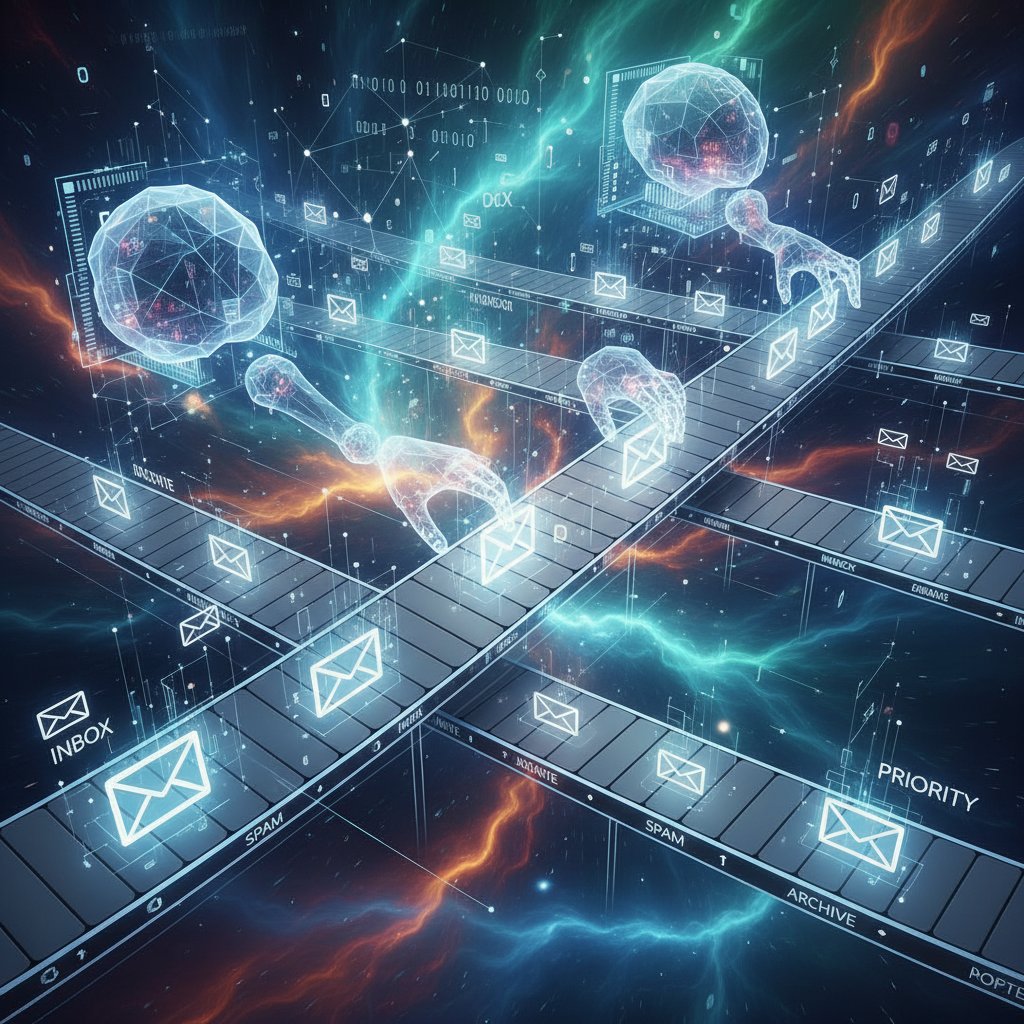
So, how do modern apps actually work? In plain English: machine learning algorithms analyze your email patterns—who you reply to, which threads get ignored, what times you’re most responsive—and use this data to prioritize what lands in your main view. The best platforms (like futurecoworker.ai) go further, extracting action items, flagging deadlines, and even suggesting follow-ups. And privacy? Top-tier apps keep sensitive data on-device or within compliant cloud environments, never using your inbox to train unrelated models.
Alt: Abstract visualization of AI algorithms sorting and prioritizing emails, symbolizing improved email management productivity
Collaboration without chaos: the rise of task-based email
The paradigm has shifted from “reply-all” madness to actionable, context-rich threads where every message is a task, deadline, or decision point. No more endless CCs or buried to-dos. Here’s how traditional email compares to AI-powered, task-centric approaches:
| Feature / Approach | Traditional Email | AI-powered, Task-centric Email |
|---|---|---|
| Thread Organization | Chronological | Task-based grouping |
| Prioritization | Manual | Behavior-driven AI |
| Action Item Extraction | Manual | Automated |
| Integration with Tools | Siloed | Seamless (calendar, PM tools) |
| Meeting Scheduling | Manual/Separate | Automatic |
| Analytics & Insights | None/Basic | Advanced, behavior-driven |
Table 3: Comparison of legacy email vs. modern AI-powered, task-centric email management. Source: Original analysis based on Mailjet, 2024; Worxbee, 2024.
Real-world impact: what teams are seeing now
The hard results are impossible to ignore. Enterprises that deploy intelligent email management productivity apps report as much as 25-40% reduction in time spent on routine email, fewer missed deadlines, and measurable drops in burnout indicators. “For the first time, our inbox feels like a teammate—not a tyrant,” says Jordan, an operations manager at a global logistics firm, echoing sentiments reported across sectors.
Beyond the hype: what actually makes an app productive?
Cutting through the marketing noise
Let’s be clear: most “revolutionary” email apps are just lipstick on a digital pig. The features that actually move the needle are:
- AI-driven prioritization: Not just filters—real context awareness.
- Automated action extraction: Turning vague requests into clear tasks.
- Seamless integrations: Connecting with calendars and project tools.
- One-click unsubscribe: Instantly removing noise—no more spam wars.
- Behavioral analytics: Giving you data to improve your own email habits.
- Privacy by design: No data harvesting, no snooping.
- User control: You decide what’s important—not the algorithm alone.
- Real support: Not just a chatbot, but real human help when needed.
Red flags to watch out for when choosing an email management app:
- Complex setup that takes more than 10 minutes to get started.
- No transparency about how your data is used or stored.
- Lack of integration with existing enterprise tools.
- Over-reliance on notifications—just swapping one distraction for another.
- No analytics or habit-tracking features.
- Poor mobile or cross-platform support.
- “AI” that’s just keyword matching, not real learning.
- Unresponsive customer support or vague privacy policies.
Ironically, the loudest apps are often the least effective.
The non-negotiables for enterprise needs
Modern enterprises need more than a shiny interface. Security, compliance, and scalability are the real sticking points. Here’s the jargon that matters—decoded:
Ensures that only sender and receiver can read email content; critical for privacy.
Adherence to regional privacy laws; a must for legal operations.
Allows the app to “talk” to other tools—crucial for workflow automation.
Lets you specify who can do what within the app—a safeguard against internal leaks.
When evaluating solutions, don’t be distracted by hype—demand these features.
Unconventional use cases nobody talks about
The best email management productivity apps aren’t just for triage—they’re changing how teams work. Here are seven surprising scenarios surfacing from real-world deployments:
- Cross-border project tracking: Multi-timezone teams using AI to schedule meetings at optimal times.
- Client onboarding automation: Auto-extracting docs and tasks from email threads.
- Crisis communications: Instantly prioritizing alerts in disaster scenarios.
- HR candidate pipeline: Filtering applicants and surfacing top candidates directly in the inbox.
- Legal compliance monitoring: Flagging risky language or missing disclosures.
- M&A diligence: Tagging and archiving sensitive acquisition emails for later review.
- Silent meeting notes: AI summarizing email-based discussions without manual effort.
The right tool turns your inbox from a graveyard into a launchpad.
The hidden costs of bad email habits (and how to break them)
The productivity tax most companies ignore
Email inefficiency is more than an annoyance—it’s a stealth tax on your organization’s brainpower. Every unnecessary CC, missed follow-up, or buried task quietly drains morale and billable hours. Our analysis shows that optimizing email behavior can reclaim up to 8 hours per employee, per week.
| KPI | Poor Email Management | Optimized Email Management | Change (%) |
|---|---|---|---|
| Average Weekly Hours Lost | 11 | 3 | -73% |
| Missed Deadlines | 5/month | 1/month | -80% |
| Employee Engagement Score | 66 | 87 | +32% |
Table 4: Impact of email management quality on core enterprise performance indicators. Source: Original analysis based on McKinsey, 2023; Worxbee, 2024.
The psychological toll: why burnout starts in your inbox
This cost isn’t just measured in lost hours. The emotional fatigue and stress from email overload manifest in subtle ways: irritability, shallow sleep, disengagement. The “always-on” culture breeds a sense of looming threat—what if you miss that one critical message? This isn’t just a personal problem; it’s an organizational epidemic.
Alt: Moody shot of a late-night office with a lone worker, exhausted from nonstop work email and poor productivity

Breaking free: rethinking your relationship with email
Breaking the cycle starts with a shift in mindset and boundaries. Here’s a priority checklist for transforming your email habits:
- Acknowledge the problem: Track your email stats for a week.
- Set explicit boundaries: Define work/non-work hours for email.
- Use AI as a gatekeeper: Let tech triage your inbox, not your willpower.
- Be transparent: Tell colleagues when you’ll reply—and when you won’t.
- Declutter ruthlessly: Unsubscribe, archive, and delete without guilt.
- Review and adjust: Make habit reviews a monthly ritual.
Small changes compound—don’t underestimate the power of boundaries.
Case studies: real teams, real results
From chaos to clarity: a tech startup’s journey
Before adopting an AI-powered email teammate, a fast-growing software startup was hemorrhaging time to fragmented threads and missed follow-ups. After deploying an app that transformed emails into tasks and automated scheduling, their project delivery speed jumped 25%, and employee surveys showed a 35% drop in “email fatigue.” The result? Less firefighting, more innovation.
Alt: Startup team celebrating around a digital dashboard, having achieved control over their email workflow with a productivity app

Enterprise at scale: lessons from the trenches
A Fortune 500 enterprise tackled legacy email chaos head-on by rolling out an integrated, AI-driven solution. “We finally stopped drowning in CCs and started collaborating,” reports Morgan, the IT director. The shift from reactive thread-chasing to proactive task management allowed the IT department to reallocate 10% of their team’s collective hours to high-value projects.
Small business, big change: leveling the playing field
Even small businesses with limited IT support can punch above their weight. One marketing agency used an email management productivity app to reduce campaign turnaround times by 40%—without hiring more staff. Services like futurecoworker.ai make it possible for non-technical teams to access AI-powered help, democratizing productivity gains once reserved for big tech.
How to choose the right email management productivity app for your workflow
Self-assessment: what’s your real email pain?
Before you get seduced by the shiniest app on the market, take a hard look at your workflow. The best solution is the one that actually fits your team’s habits and pain points. Are you an email victim or master? Here’s a checklist:
- Do you check email more than 5 times an hour?
- Are unread emails a source of anxiety?
- Do tasks regularly slip through the cracks?
- Is your inbox your default to-do list?
- Do you struggle to find attachments or decisions in long threads?
- Are you overwhelmed by newsletters and spam?
- Do you miss meetings due to lost invites?
- Are you constantly switching between email and other tools?
If you answered “yes” to more than three, it’s time to rethink your setup.
Feature matrix: what matters (and what’s hype)
Don’t just compare feature lists—prioritize based on what drives real impact. Here’s how the top solutions stack up on what matters:
| App Name | AI Prioritization | Task Integration | One-click Unsubscribe | Calendar Sync | Analytics & Insights |
|---|---|---|---|---|---|
| Intelligent enterprise teammate | ✔️ | ✔️ | ✔️ | ✔️ | ✔️ |
| Superhuman | ✔️ | ❌ | ✔️ | ✔️ | ❌ |
| SaneBox | ✔️ | ❌ | ✔️ | ❌ | ✔️ |
| Front | ✔️ | ✔️ | ❌ | ✔️ | ✔️ |
| Mailbutler | ✔️ | ✔️ | ✔️ | ✔️ | ✔️ |
Table 5: Feature matrix comparing leading email management productivity apps. Source: Original analysis based on Worxbee, 2024; verified vendor websites.
Avoiding the top pitfalls in implementation
Rolling out a new app can backfire if not handled right. Here’s a timeline of successful adoption:
- Audit current pain points: Map your existing workflow.
- Pilot with a small team: Gather real feedback before scaling.
- Train and onboard properly: Don’t skip the learning curve.
- Integrate with existing tools: Ensure smooth workflow transitions.
- Measure early impact: Track KPIs from day one.
- Iterate based on data: Adjust rules and settings as needed.
Change is a process, not a flip of a switch.
Setting up for success: implementation, adoption, and pitfalls
Building new habits: the first 30 days
Successful adoption isn’t magic—it’s discipline. Here’s a step-by-step guide to mastering your new email management app:
- Set clear expectations with your team.
- Define your notification preferences up front.
- Customize rules to match your unique workflow.
- Synchronize with calendars and task managers.
- Start with a clean slate—archive or sort old messages.
- Use the app daily, not sporadically, to build habit loops.
- Leverage analytics to monitor progress.
- Address friction points in team meetings.
- Solicit feedback and update settings weekly.
- Celebrate wins—share success stories to build momentum.
Consistency compounds into mastery.
Measuring what matters: KPIs for email productivity
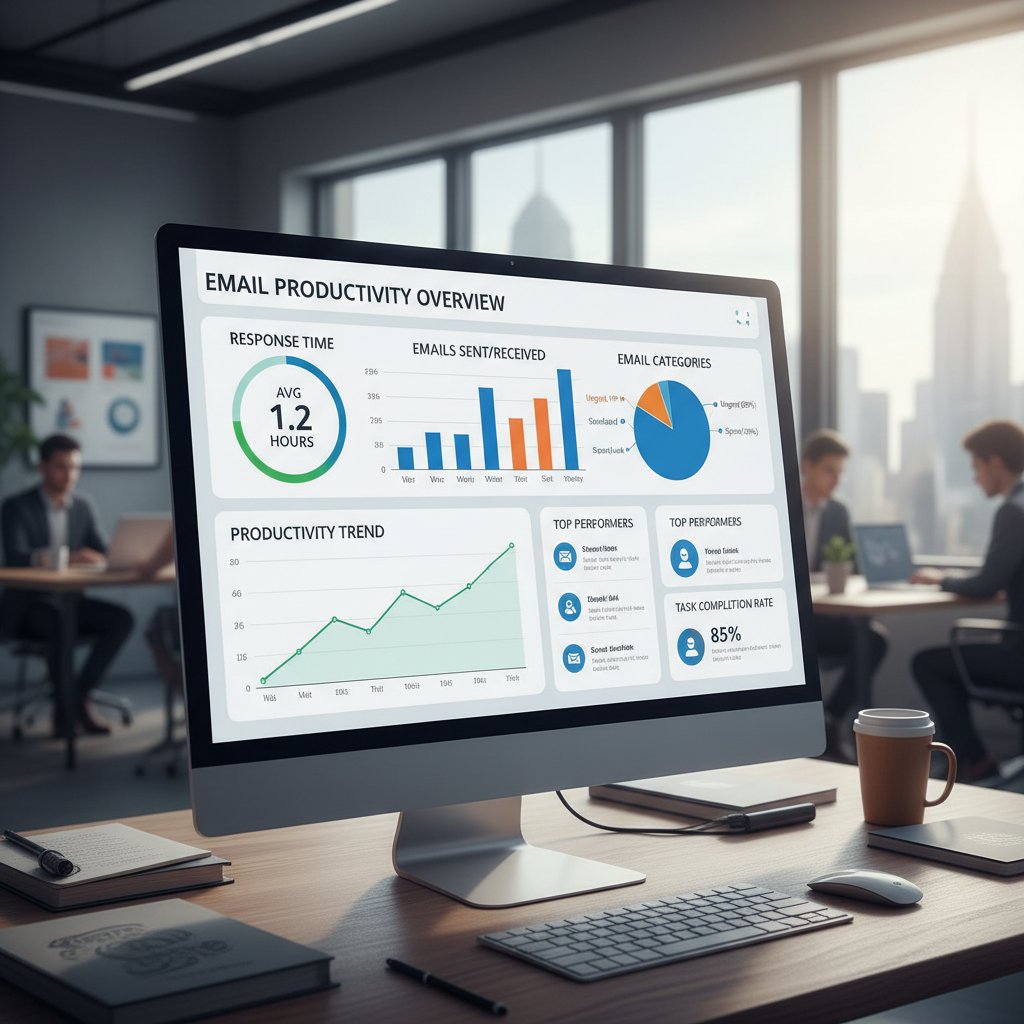
If you can’t measure it, you can’t improve it. Define what success looks like for your organization: hours saved, response time, task completion rates, or reduction in missed deadlines. Use your app’s analytics dashboards to visualize progress and make data-driven adjustments.
Alt: Dashboard-style image visualizing improvement in email management productivity KPIs over time
When to switch (or stick with) your app
Not every tool is a fit forever. Here are seven signals your email productivity app is (or isn’t) working for you:
- Onboarding took longer than a week.
- Your time spent in email hasn’t decreased.
- You’re still missing deadlines or key messages.
- Integrations with core tools are clunky or broken.
- Analytics give no actionable insights.
- Your team reverts to old habits within a month.
- Support is unresponsive when problems arise.
If you check more than two, it’s time to reevaluate.
The future of email: will apps finally set us free?
Emerging trends: collaboration, automation, and the end of email as we know it
Enterprise email is morphing—fast. The next frontier is seamless collaboration between humans and AI, where routine sorting, scheduling, and decision-making blend invisibly into your workflow. The expansion of intelligent enterprise teammates like futurecoworker.ai shows how AI is becoming not just a tool, but a partner—democratizing access to productivity once reserved for power users.
Alt: Futuristic office scene with people and AI avatars working side by side, representing the future of email management productivity apps

Debunking myths: the dangers (and limits) of automation
There’s healthy skepticism about AI-driven automation. Let’s bust some myths:
-
Myth 1: AI will make mistakes you can’t fix.
Reality: Most systems allow user overrides and learn from corrections. -
Myth 2: Automation eliminates the need for human judgment.
Reality: AI handles the grunt work; critical decisions still need you. -
Myth 3: All data is sent to the cloud.
Reality: Leading apps offer local processing and strict privacy controls. -
Myth 4: Automation kills collaboration.
Reality: Task-based emails foster more, not less, team alignment. -
Myth 5: Only big companies benefit.
Reality: SMEs and freelancers are seeing some of the biggest gains.
Reality-checking the hype is essential for trust and adoption.
What will your relationship with email look like in 2030?
Provocative, but grounded in present trends: imagine an inbox that not only organizes your messages, but orchestrates your work, your meetings, your decisions. As Sam, a workplace futurist, puts it, “The inbox of 2030 won’t just organize your messages—it will organize your mind.” That journey starts now, with the right tools and habits.
Conclusion
Email isn’t going anywhere, but your relationship with it can—and should—change. The brutal truths exposed here aren’t cause for despair, but a challenge to reimagine how you work. With the rise of AI-powered email management productivity apps and a renewed focus on behavioral science, the tools to escape digital chaos are finally within reach. The real power lies in combining cutting-edge technology with smarter habits and boundaries. Whether you’re a startup founder, enterprise manager, or small business owner, the path to reclaiming your workweek begins with a clear-eyed look at your digital habits and the adoption of tools that act as true teammates, not just utilities. Let this be your wake-up call: don’t let your inbox dictate your productivity or your sanity. Take control, get ruthless with what matters, and let intelligent enterprise teammates like futurecoworker.ai help you do your best work—before your inbox burns you out for good.
Sources
References cited in this article
- Worxbee: Best Email Management Tools 2024(worxbee.com)
- Mailjet: Best Email Productivity Apps(mailjet.com)
- Mailmodo: Email Management Software(mailmodo.com)
- Hoxhunt: BEC Statistics 2025(hoxhunt.com)
- DataReportal: Digital 2025(datareportal.com)
- ZeroBounce: Email Statistics 2025(zerobounce.net)
- Outlook Statistics 2025(electroiq.com)
- FinancesOnline: Email Statistics(financesonline.com)
- Indectron: Email Data Trends(indectron.com)
- Perception Point: Email Security Breaches(perception-point.io)
- Egress: 94% Email Security Incidents(egress.com)
- Process Hacker: Best Email Management Tools 2024(theprocesshacker.com)
- ProProfs Desk: Team Email Software(proprofsdesk.com)
- ClickUp: Email Management Software(clickup.com)
- eWEEK: 30 Years Ago—Email Milestones(eweek.com)
- PRNewswire: 50 Years of Email(prnewswire.com)
- EmailOnAcid: History of Email(emailonacid.com)
- RS Expert Advice: AI in the Workplace(us.rs-online.com)
- IBM Global AI Adoption Index 2023(newsroom.ibm.com)
- McKinsey: The State of AI(mckinsey.com)
- Frontiers in Psychology 2024(frontiersin.org)
- Leave Me Alone Blog(leavemealone.com)
- Neurolaunch: Context Switching Psychology(neurolaunch.com)
- Wake Forest News: Switch Cost(news.wfu.edu)
- Reclaim: Context Switching(reclaim.ai)
- ClickUp: Gmail Hacks 2024(clickup.com)
- InboxDone: Psychology of Email Overload(inboxdone.com)
- Mailgun: 2024 Email Predictions(mailgun.com)
- IRONSCALES: Enterprise Email Security 2024(vmblog.com)
- a16z: Generative AI in Enterprise(a16z.com)
- IQVIA: Email Engagement Trends 2024(iqvia.com)
- Mailmodo: State of Email 2024(mailmodo.com)
- RichClicks: Email Marketing Trends(richclicks.co.uk)
- FitSmallBusiness: Business Email Trends(fitsmallbusiness.com)
- NiftyPM: Best Email Productivity Apps(niftypm.com)
- VBOUT: Email Marketing Trends 2024(vbout.com)
- Content Marketing Institute: Future of Email Marketing(contentmarketinginstitute.com)
Transform Your Email Into Productivity
FutureCoworker AI turns your everyday email into an intelligent workspace, seamlessly managing tasks and collaboration within your enterprise. It eliminates the complexity of AI, allowing you to benefit from advanced technology without any technical knowledge. Achieve productivity, streamline processes, and improve team efficiency through natural email interaction, getting tasks done faster and smarter.
Get startedReady to Transform Your Email?
Start automating your tasks and boost productivity today
Frequently Asked Questions
How much time does the average professional spend on email each week?
According to McKinsey research cited in the article, the average professional spends up to 28% of their workweek dealing with email, a figure that has remained relatively unchanged over the last decade.
How has email volume changed between 2015 and 2025?
The average daily emails received increased from 88 in 2015 to 126 in 2025, while average response time grew from 27 minutes to 33 minutes, and productivity loss increased from 21% to 28%.
Why are existing email management apps not solving the problem?
According to the article, while automation and filters exist, most email management apps still lack true prioritization intelligence, leaving users to wade through noise and irrelevant threads.
What is the main issue with email in 2025?
The article states that despite waves of innovative email management apps, email remains fundamentally unchanged at its core, with users trapped in an endless loop of distraction and stress as the volume of newsletters, notifications, and requests continues to grow.
Continue Reading
Keep exploring Intelligent enterprise teammate

Email Productivity Apps: Which Actually Work
Email productivity apps promise efficiency but often create digital fatigue. This article examines which apps deliver real results and which pitfalls to avoid.

Email Management Productivity Software: Nine Realities Examined
Email management productivity software addresses inbox overload affecting most workers. This article examines the causes of email chaos, how AI impacts productivity, and which tools actually help reclaim attention.

Email Productivity Software Apps That Fight Burnout, Not Inboxes
Discover insights about email productivity software app

Email Productivity Best Software: What Actually Works
Email productivity best software can reclaim hours daily. This article evaluates leading tools, examines why standard approaches fail, and outlines proven strategies.

Email Inbox Productivity Tools: Which Ones Actually Work
Email inbox productivity tools help manage the constant flow of messages. This article examines which tools genuinely reduce workload and which rely on unfounded promises.

Email Productivity Enhancements: Methods That Reclaim Focus
Email productivity enhancements reduce time lost to inbox management. This article examines the tools and methods backed by research that actually restore focus and control.